Best Monitors: ASUS, Alienware and Dell Compared
November 13, 2026
Shopping for a 27-inch monitor today means choosing between a 4K IPS panel built for color work, a 1440p QD-OLED built for speed, and a 4K 120Hz IPS panel built for everyday use. They still trade off resolution, refresh rate, contrast, brightness, and connectivity in ways a spec
Shopping for a 27-inch monitor today means choosing between a 4K IPS panel built for color work, a 1440p QD-OLED built for speed, and a 4K 120Hz IPS panel built for everyday use. They still trade off resolution, refresh rate, contrast, brightness, and connectivity in ways a spec sheet does not make obvious.
This guide covers three 27-inch monitors: the Alienware AW2726DM, the Dell S2725QC, and the ASUS ProArt PA279CRV. It is written for gamers, home-office workers, and photo and video editors who want to know which panel fits their desk and their work, and which tradeoffs are worth accepting.
Why You Can Trust This Guide
Every monitor in a category is judged against the same checklist: panel type and resolution, refresh rate and response time, contrast, brightness, color-gamut coverage and factory calibration, connectivity, stand ergonomics, and warranty terms.
Our data comes from three layers. First, published measurements from independent testing, including colorimeter and response-time results where they exist. Second, manufacturer spec sheets and listing data. Third, hands-on impressions from reviewers who used each monitor for extended sessions. Where a manufacturer claim and an independent measurement disagree, we report both. A good example is the Alienware's claimed 400cd/m² peak brightness against the 183cd/m² full-screen figure that independent testing recorded.
Our Top Picks at a Glance
Best Overall: Alienware AW2726DM
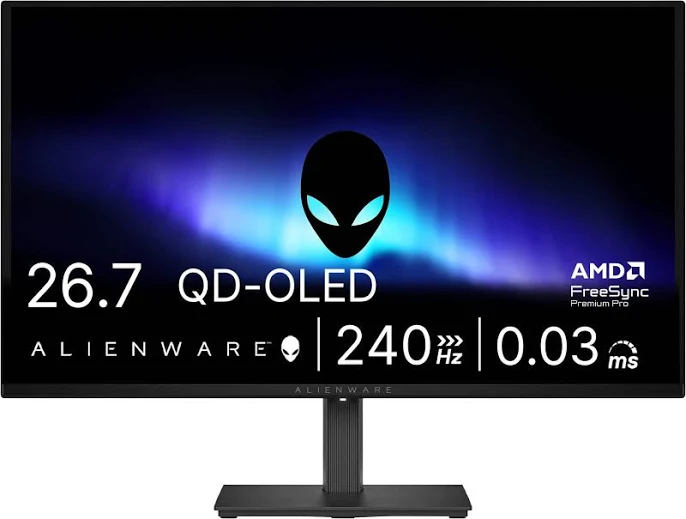
The Alienware AW2726DM wins because it puts a Samsung QD-OLED panel, a technology that was recently reserved for far pricier monitors, into a $349.99 package with 240Hz refresh and a 0.03ms gray-to-gray response time.
Key specs. The panel is 27 inches at 2,560 x 1,440 with a semi-gloss finish. Refresh rate is 240Hz over DisplayPort 1.4a, and Alienware rates contrast at 1,500,000:1. Two HDMI 2.1 ports cover consoles, though they are limited to 120Hz with VRR. The monitor supports FreeSync Premium and VESA AdaptiveSync. It is not G-Sync certified, but a reviewer at one outlet reported no issues pairing it with an RTX graphics card. The stand offers 150mm of height adjustment, tilt, swivel, and a 90-degree pivot in either direction, and the monitor accepts a VESA 100x100mm mount. A three-year warranty covers burn-in, which is the main concern many shoppers have about OLED.
Who should buy it. Competitive and fast-paced gamers get the most from it. A reviewer who played many hours of fast FPS games noticed no input lag, and independent reviews praised its motion clarity and vivid colors. It also suits movie watchers in dim rooms, where 1,500,000:1 contrast is the biggest picture-quality upgrade available at this price. Anyone coming from a standard IPS monitor will see the difference in black levels immediately.
Where it falls short. Brightness is the real compromise. Independent testing with an X-Rite colorimeter measured 124cd/m² of full-screen white in SDR at the out-of-box setting and 183cd/m² at maximum brightness. Alienware's claimed peak is 400cd/m², but the brightness limiter is more aggressive than on pricier OLEDs. In a sunny room, that matters. One outlet also listed text as "a tad fuzzy" among its cons.
Pros
- QD-OLED with 1,500,000:1 contrast at $349.99
- 240Hz refresh with a 0.03ms gray-to-gray response time
- Three-year warranty that covers burn-in
- Fully adjustable stand with 90-degree pivot both ways
Cons
- Independent testing measured 183cd/m² maximum full-screen SDR brightness, which is weak for bright rooms
- No USB hub and no speakers
- Plasticky body, a slight stand wobble at full height, and a power button sitting right under the joystick, easy to hit by accident
Best Budget: Dell S2725QC
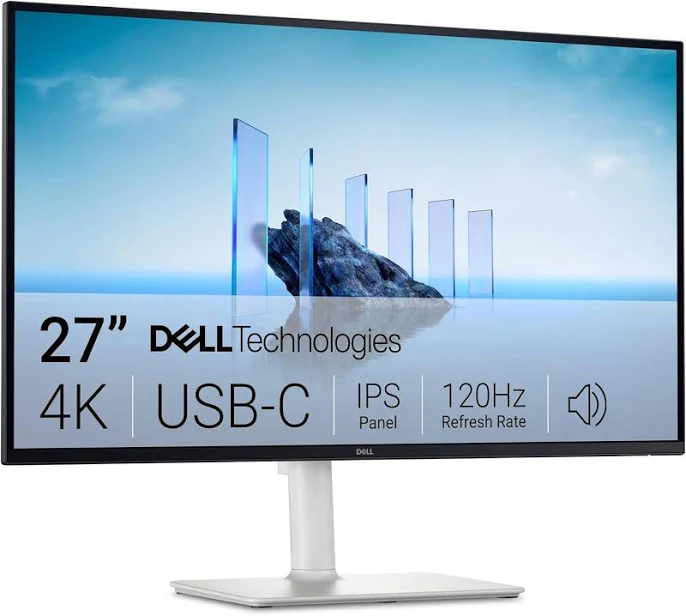
The Dell S2725QC is our budget pick because it delivers a 4K IPS panel at 120Hz with USB-C, built-in speakers, and front-facing ports for $349.99, a feature mix neither rival matches at the price.
Key specs. The panel is 27 inches at 3,840 x 2,160, with a 120Hz refresh rate and FreeSync Premium support. Dell lists 1500:1 contrast and 99% sRGB coverage. USB-C supplies 65W of power delivery, enough to run and charge many thin-and-light laptops from one cable. A pop-out front USB-C port (up to 15W) and a front USB-A port sit within easy reach, with a side USB-A port and an HDMI input also listed. Dual 5W speakers offer five presets and one custom audio profile. ComfortView Plus cuts blue light by up to 35%, and the display carries TUV Rheinland 4-star eye-comfort certification.
Who should buy it. This is the monitor for a home-office worker or student who wants sharp text, a tidy desk, and a single-cable laptop setup without paying extra for a separate speaker bar or USB hub. The 4K resolution gives a pixel density well suited to documents, spreadsheets, and web browsing, and 120Hz makes scrolling and cursor movement noticeably smoother than a standard 60Hz office monitor, which is what the ASUS offers.
Where it falls short. Dell lists response time as 4ms gray-to-gray in Extreme mode, 5ms in Fast, and 8ms in standard. One reviewer described motion as blurry at any refresh rate, so fast shooters should look at the Alienware instead. Coverage is 99% sRGB with no wide-gamut claim, so color-critical editors have better options. One owner also reported image retention after about 20 minutes with a browser open and called it a possible batch issue.
Pros
- 4K IPS at 120Hz for $349.99, double the ASUS refresh rate
- 65W USB-C power delivery for single-cable laptop use
- Front USB-C and USB-A ports plus dual 5W speakers
- ComfortView Plus and TUV Rheinland 4-star eye comfort
Cons
- 4ms to 8ms gray-to-gray response time, with motion reviewers called blurry
- 99% sRGB coverage with no wide-gamut claim
- Contrast of 1500:1 looks flat next to the Alienware's OLED
Best for Color-Accurate Creative Work: ASUS ProArt PA279CRV
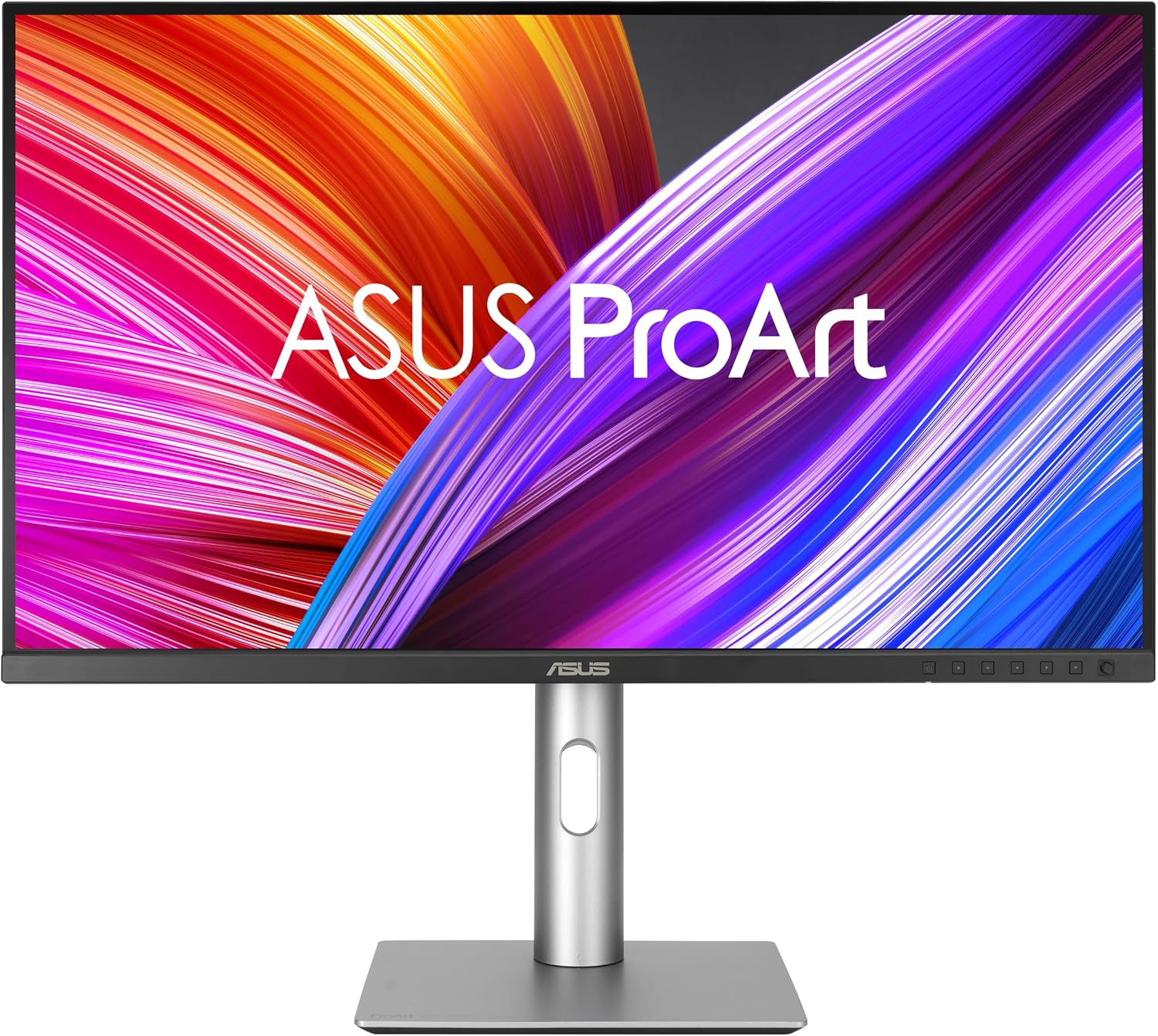
Key specs. The panel is a 27-inch IPS at 3,840 x 2,160, about 163 PPI, running at 60Hz with 400 nits of brightness and 1,000:1 contrast. HDR is VESA DisplayHDR 400. The on-screen menu offers factory-calibrated sRGB, Adobe RGB, DCI-P3, Rec. 709, and Rec. 2020 modes. Connectivity is the strongest here: two DisplayPort 1.4, two HDMI 2.0, and USB-C with 96W power delivery, plus a dual-port USB-A hub. One DisplayPort works as a downstream output for daisy-chaining a second display. The stand adjusts for height, tilt, swivel, and portrait rotation.
Who should buy it. Photographers, video editors, and designers who need to trust what is on screen should look here first. Reviewers found colors accurate in every mode, and the monitor works well with macOS, with a full range of scaling options and clean font rendering. The 96W USB-C connection is the highest power delivery of the three, enough to run and charge a larger laptop through a single cable while feeding in peripherals through the hub.
Where it falls short. This is a conventional LCD, and reviewers noted that it looks a little dated against mini-LED and OLED panels. Black levels and HDR are relatively weak, with no local dimming. The refresh rate is 60Hz, so it is not the monitor for competitive gaming. The body is mostly plastic with a thicker chin bezel, though the slim bezels on the other three sides keep it looking clean. It did win an iF Design Award in 2024, per ASUS.
Pros
- 99% Adobe RGB and 99% DCI-P3 with factory calibration
- 96W USB-C, daisy-chain DisplayPort out, and a USB-A hub
- 4K at about 163 PPI with strong macOS scaling
- Stand adjusts for height, tilt, swivel, and portrait rotation
Cons
- 60Hz refresh and 400 nits brightness
- 1,000:1 contrast and limited DisplayHDR 400 performance
- Priced at a notable premium to the other two and is mostly plastic
How We Chose
We started with one rule: every contender had to be a 27-inch computer monitor in the same current price band, so the comparison reflects real shopping decisions rather than spec-sheet fantasy. We then weighed the criteria that most affect daily use: image quality (contrast, color coverage, calibration), motion performance (refresh rate and response time), sharpness (resolution and pixel density), brightness, connectivity, ergonomics, and warranty.
Evidence came from independent measurements where they existed, such as colorimeter brightness readings and response-time testing, from manufacturer specifications, and from reviewer impressions after extended use. We weighted measured results over marketing claims and listed both when they differed.
We also looked at which use case each monitor serves best, since no single panel wins every category. The Alienware leads on contrast and motion, the Dell on price-to-feature ratio, and the ASUS on color and connectivity. A monitor was only recommended for a role where its strengths clearly outweighed its weaknesses.
What to Look For
Panel type. QD-OLED delivers per-pixel black and extreme contrast, but it tends to be dimmer in bright rooms. IPS panels stay brighter and avoid any burn-in concern, but their blacks look gray in the dark. Pick based on the room you will sit in.
Resolution. 4K on a 27-inch screen gives about 163 pixels per inch and visibly sharper text. 1440p is easier on your graphics card and enough for most games, though text looks slightly softer.
Refresh rate and response time. For gaming, 240Hz and a 0.03ms response time keep fast motion clean. For office work, 60Hz works, but 120Hz makes scrolling and cursor movement feel smoother. Response times of 4ms to 8ms can smear fast action.
Color coverage. If you edit photos or video, look for wide-gamut coverage such as Adobe RGB and DCI-P3, plus factory calibration. For everyday use, sRGB coverage is enough.
Brightness. A monitor that reaches 400 nits suits a sunny room. A panel that measures below 200cd/m² full-screen is best kept in a controlled-light space.
Connectivity. USB-C with power delivery can replace a laptop charger and a display cable. Check the wattage against your laptop's needs: 65W covers many ultrabooks, while larger machines benefit from 96W.
Bottom Line
For a competitive gamer chasing high-frame-rate shooters in a dim room, pick the Alienware AW2726DM. Its 240Hz refresh and 0.03ms gray-to-gray response keep fast action crisp, and the three-year warranty covers burn-in, the main worry with an OLED panel.
For a home-office worker running a thin-and-light laptop all day, pick the Dell S2725QC. Its 65W USB-C connection handles display, charging, and peripherals through one cable, and the built-in dual 5W speakers mean no extra gear on the desk.
For a photographer or video editor delivering client work, pick the ASUS ProArt PA279CRV. Its 99% Adobe RGB coverage and factory-calibrated modes mean what you see on screen is what the client gets, and the 96W USB-C connection powers a larger laptop through one cable.
The 27-inch monitor market has rarely offered this much choice at budget-tier to mid-range pricing. OLED is finally entering the mainstream price band, while 4K IPS keeps getting cheaper, so the right pick now depends more on how you work than on how much you can spend.
-- Theo Chan, Hardware Testing Director
*Disclosure: As an Amazon Associate, Revuzia earns from qualifying purchases. Prices and availability are accurate as of publication and may change.*