MSI MAG 341CQR QD-OLED X36 Review: 360Hz Ultrawide at Half the Price of LGMSI MAG 341CQR QD-OLED X36 Review: 360Hz Ultrawide at Half the Price of LGMSI MAG 341CQR QD-OLED X36 Review: 360Hz Ultrawide at Half the Price of LGMSI MAG 341CQR QD-OLED X36 Review: 360Hz Ultrawide at Half the Price of LG
October 1, 2026
The MSI MAG 341CQR QD-OLED X36 34" UWQHD 1800R Gaming Monitor arrives at $2542.03 with a promise of 360Hz at the full 3440x1440 on every input, a fifth-generation tandem QD-OLED panel from Samsung, and a 98W USB-C hub with a built-in KVM. That is a flagship feature list, and the
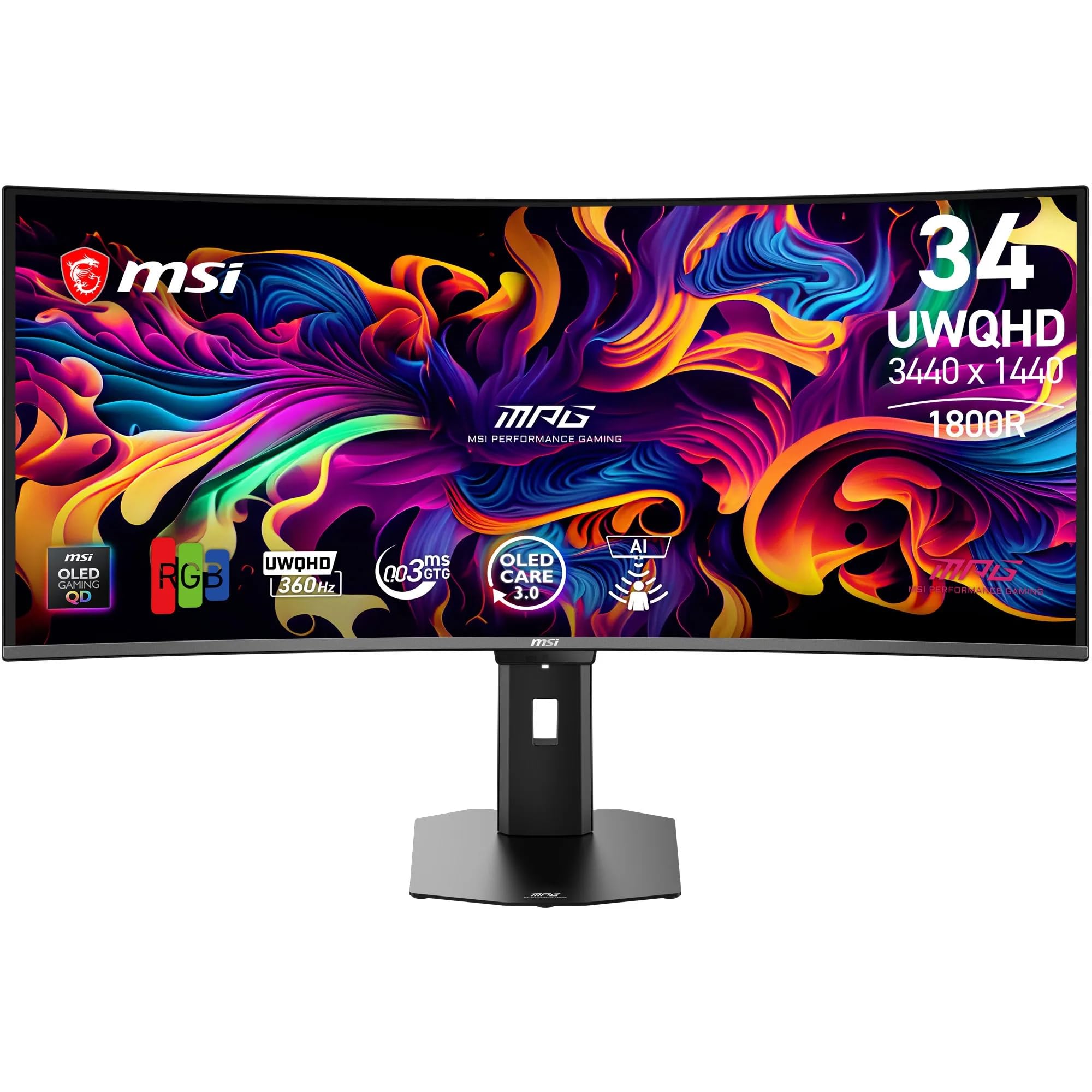
The MSI MAG 341CQR QD-OLED X36 34" UWQHD 1800R Gaming Monitor arrives at $2542.03 with a promise of 360Hz at the full 3440x1440 on every input, a fifth-generation tandem QD-OLED panel from Samsung, and a 98W USB-C hub with a built-in KVM. That is a flagship feature list, and the LG Ultragear Evo 39GX950B-B it most closely rivals costs about twice as much. After weeks at our desk, my immediate impression is that MSI has made the right compromises. The motion is superb and the color is excellent. The HDR is bright enough to be thrilling, and MSI skipped the luxury polish that inflates prices elsewhere. It is not perfect, and I will tell you exactly where it falls short, but it is one of the easiest ultrawide recommendations I have made this year.
Quick Verdict
Buy it. At $2542.03, the MSI MAG 341CQR QD-OLED X36 delivers 360Hz on every input, a 953-nit HDR peak and 98W USB-C with KVM for roughly half what the LG rival costs. The trade-offs are soft pixel density at about 110 PPI, a 300-nit SDR ceiling, and the usual OLED care routine. It earns an overall 4.5/5 from us.
Rating and Pros/Cons
| Aspect | Rating |
|---|---|
| Image Quality | 4.5/5 |
| Gaming Performance | 4.5/5 |
| Connectivity | 4.5/5 |
| Design and Build | 3.5/5 |
| Value | 4.5/5 |
| Overall | 4.5/5 |
Pros
- 360Hz at the full 3440x1440 on every input
- 953-nit HDR peak at a 3% window
- 98% DCI-P3 coverage with average color error well under 1.0
- 98W USB-C power delivery with a built-in KVM switch
- Adjustable HDR brightness and curve controls
Cons
- About 110 PPI looks soft next to sharper panels
- HDR gets dim when large areas of the screen are lit
- Black frame insertion (SLMB) cannot be used with variable refresh
- Presence detection takes 10 to 20 seconds to wake the screen
- No built-in speakers
Specs at a Glance
| Specification | Detail |
|---|---|
| Price | $2542.03 |
| Panel | 5th-gen five-layer tandem QD-OLED (Samsung) |
| Size | 34-inch ultrawide |
| Resolution | 3440x1440 (UWQHD), about 110 PPI |
| Aspect Ratio | 21:9 |
| Curvature | 1800R |
| Refresh Rate | 360Hz native at full resolution on every input |
| Response Time (GtG) | 0.03 ms |
| Variable Refresh | AMD FreeSync Premium Pro and Nvidia G-Sync |
| HDR | HDR10 and VESA DisplayHDR True Black 500 (MSI claims 1,300 nits peak; we measured 953 nits in a 3% window) |
| Video Inputs | 2x HDMI 2.1, 1x DisplayPort 2.1 (UHBR13.5), DisplayPort over USB-C |
| USB-C Power Delivery | Up to 98W |
| USB Hub | Built-in KVM switch, 2x USB-A (5Gbps) |
| Audio | 3.5mm audio out, no built-in speakers |
| Motion Feature | SLMB black frame insertion (240Hz and 360Hz only, not with variable refresh) |
| Screen Finish | Glossy with Dark Armor anti-glare film |
| Color Gamut | 100% sRGB, 98% DCI-P3, 94% AdobeRGB |
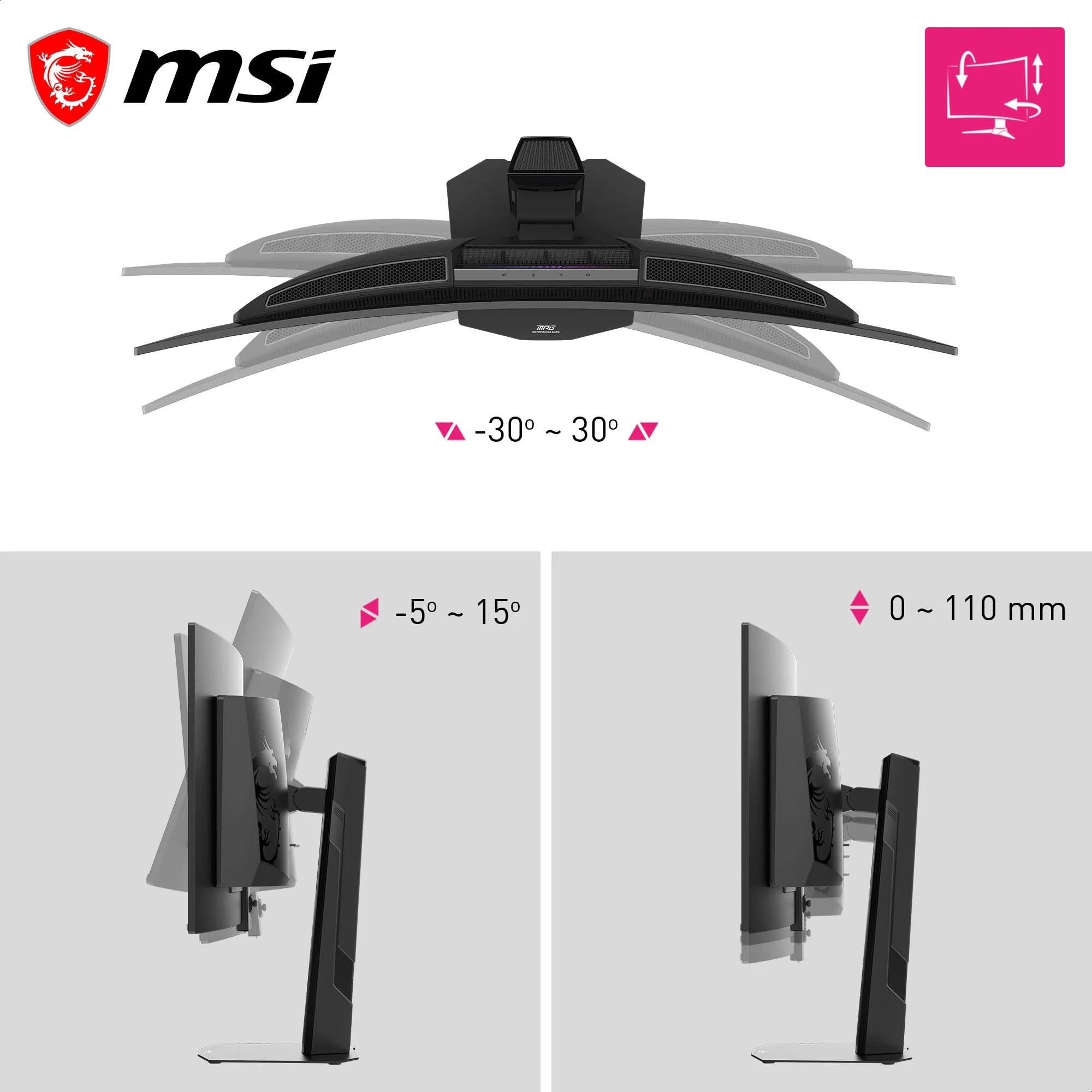
| Stand Adjustment | Height, tilt and swivel: [[SPEC-LOOKUP]] |
| VESA Mount | 100x100mm |
| Power Supply | Internal power board, no external brick |
| Power Draw | < 250 W (typical, on); < 0.5 W standby; < 0.3 W off |
| Weight | 7.77 kg (17.13 lb) with stand; 5.2 kg without stand |
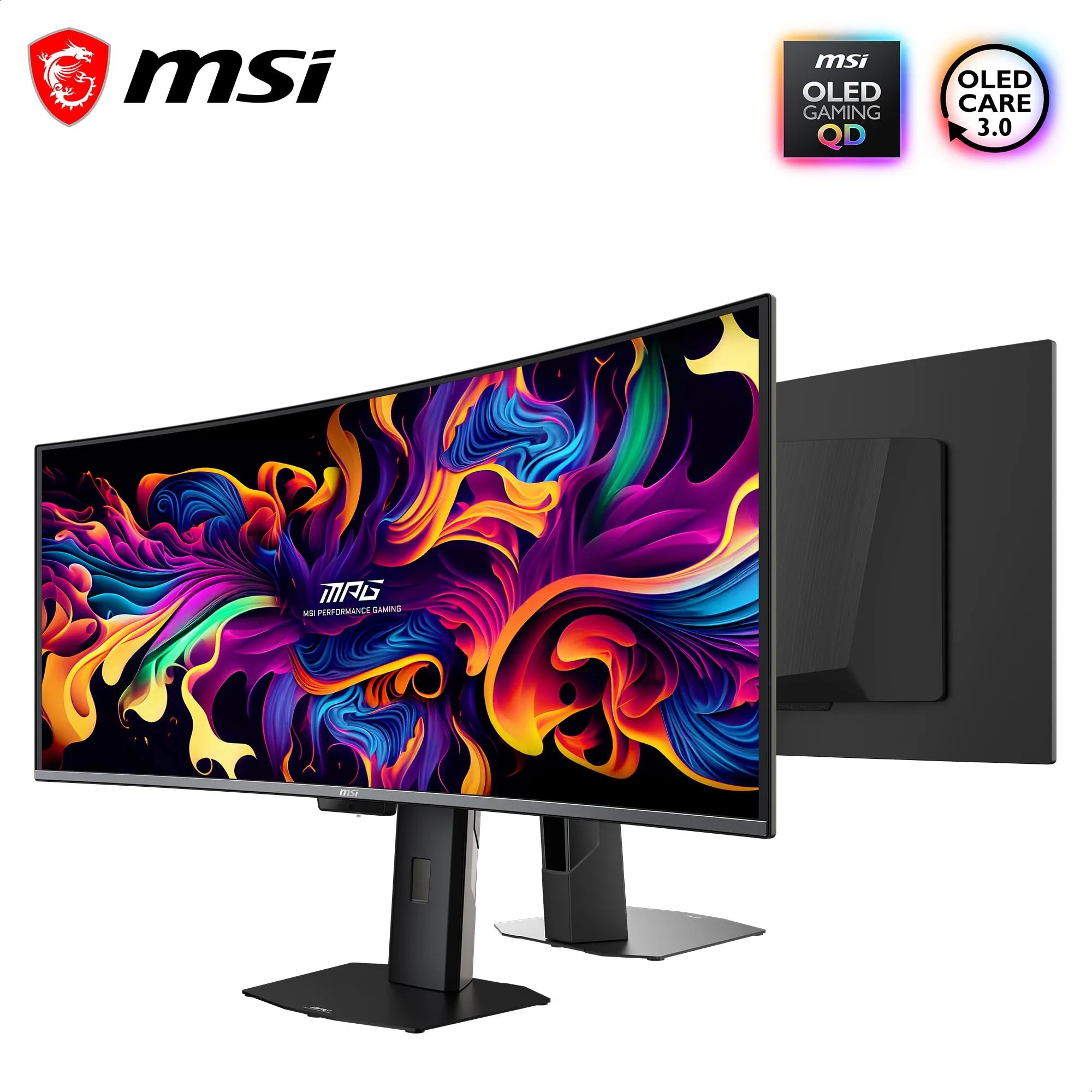
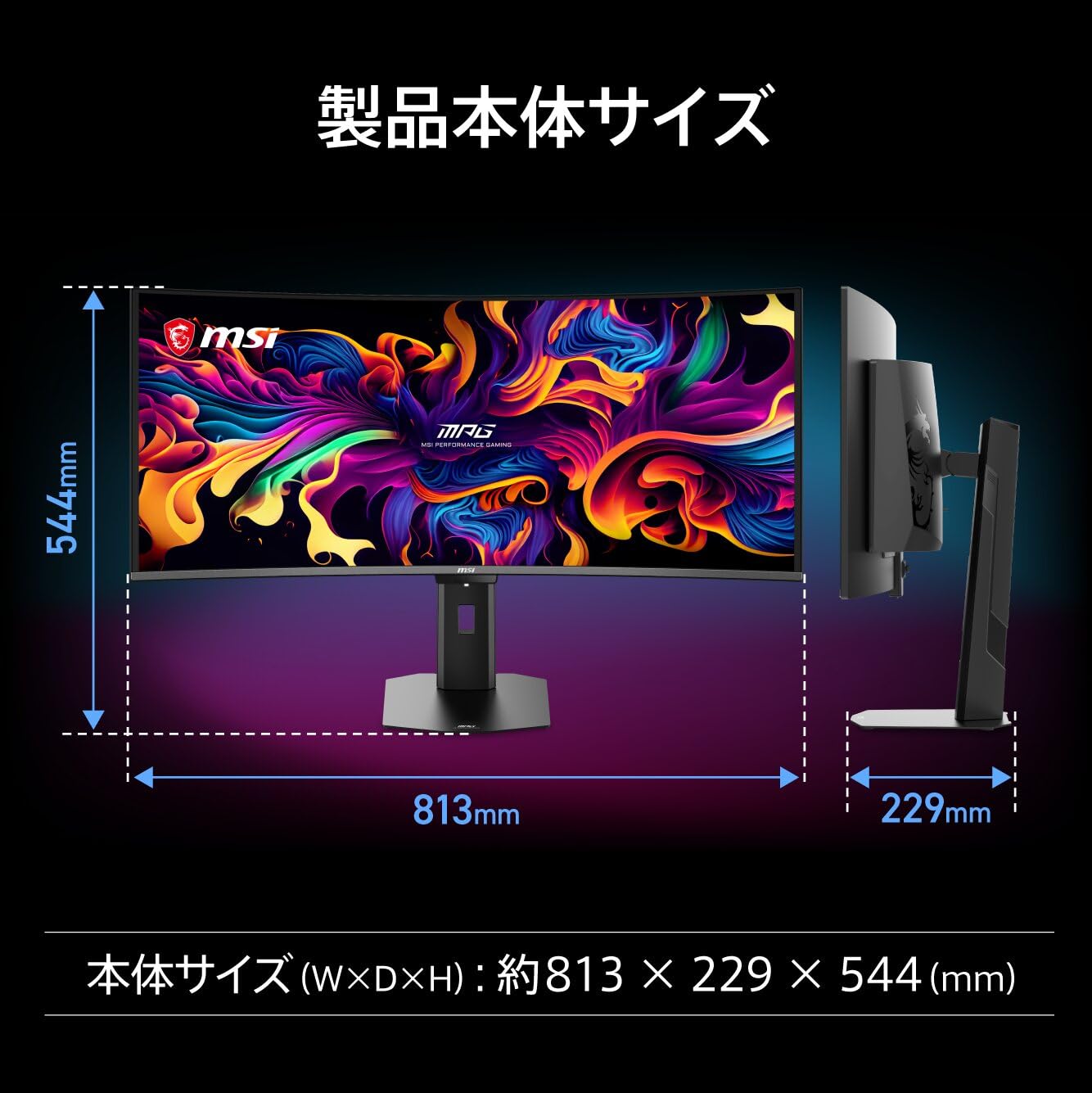
| Dimensions | 812.83 x 228.30 x 543.08 mm (32.0 x 9.0 x 21.4 in) with stand (W x D x H); 812.83 x 118.54 x 372.09 mm without stand |
| Software | MSI Gaming Intelligence app, joystick OSD, PiP/PBP, OLED Care suite, presence detection |
Panel and Image Quality
The panel is the reason to buy this monitor, so let's start with the numbers. In our testing, SDR brightness topped out at 300 nits sustained. That is a good result and in line with recent OLEDs, but it is not a record, and anyone who works beside a sunlit window will notice that this is not the brightest screen around. In a normally lit room, SDR content looks punchy and clean. Whites are neutral and there is no visible haze or grain.
HDR is where the QD-OLED really flexes. We measured a peak of 953 nits in a 3% window, which is the small, intense highlight you see in a sun glint or a muzzle flash. The LG Ultragear Evo 39GX950B-B leads that measurement by about 50 nits, but in real use that gap is hard to notice. A glint of light on chrome still jumps off the screen, and a dark scene with a few bright lamps looks properly dramatic. MSI's 1,300-nit peak claim is a manufacturer figure; 953 nits is what we saw on our bench.
The caveat is larger windows. When more of the screen is lit at once, this monitor "isn't all that bright." It is on par with other QD-OLEDs, but behind some, including the LG. You will see this in snow scenes, bright desert levels and white-heavy HDR videos, where the image can feel more restrained than the small-window numbers suggest. It is a real limitation, but it is also one the category largely shares.
This is also where MSI does something clever. The monitor offers HDR brightness and curve controls. I consider them essential on a monitor you sit close to, because HDR content mastered for living-room TVs can be uncomfortably intense at desk distance. Being able to tame highlights and reshape the curve meant I could keep HDR on for games and video without squinting.
Contrast is effectively infinite, with a measured minimum luminance of zero nits. That is wonderful to see in a dark room, where black backgrounds disappear into the bezel. However, it is no serious advantage over rivals, because virtually every OLED does the same thing. Treat it as a baseline feature rather than a differentiator.
The weakest trait is sharpness. At about 110 PPI, this panel is simply not amazing by current standards, especially next to a 27-inch 4K monitor at about 163 PPI. Fine text and thin UI elements look softer than they would on a denser display. It is perfectly usable, and games hide it well, but if you read documents all day and care about crisp type, this is the compromise you are accepting.
Finally, the screen is glossy, but MSI applies its Dark Armor anti-glare film. In our room it handled normal reflections reasonably well, and blacks stayed deep. You will still want to control direct light sources behind you, as with any glossy OLED, but it never became a daily annoyance.
Gaming Performance
Gaming is the other half of this monitor's identity, and it is superb. The panel runs 360Hz native at the full 3440x1440 on every input, so you do not have to hunt for the one port that unlocks the top refresh rate. That sounds like a small detail until you have owned a monitor where it matters. Whether the cable is DisplayPort 2.1 (rated UHBR13.5) or one of the two HDMI 2.1 ports, you get the full experience. The DisplayPort 2.1 connection also gives high-end graphics cards plenty of bandwidth headroom.
Motion clarity is the highlight. Small, fast-moving objects stay legible down to just a few pixels wide, which matters in shooters where a distant enemy is a tiny moving shape. Fast camera pans keep most of their detail rather than collapsing into smear. 360Hz is very good, and I would not call a higher refresh rate a reason to pay more. In practice, I felt connected to the game in a way that LCD panels rarely match.
Variable refresh is covered by AMD FreeSync Premium Pro and Nvidia G-Sync, so you can pair it with whichever graphics card you own and keep tearing off the table. The ultrawide format adds real immersion in racing and open-world games, and the 1800R curve suits it well. It is easy to notice at first, but I forgot about it after a few hours, which keeps it friendly for desktop work, where a harsh curve can make straight lines look odd.
Then there is SLMB, MSI's black frame insertion mode. It is available only at 240Hz or 360Hz, and it cannot be used with variable refresh. When it is on, it is effective at sharpening motion, though we saw a slight "double image" artifact with it enabled. It is a useful tool for competitive players who run locked frame rates, but because it cannot coexist with FreeSync or G-Sync, you will have to choose between smooth sync and ultra-clean motion. Most players will leave it off and enjoy the already excellent native motion.
If you want to feed it from a console or an older graphics card, the two HDMI 2.1 ports offer flexibility. The panel's refresh rate is the real headline, though, and it makes high-frame-rate PC gaming feel exceptional on this screen.
Connectivity and Ergonomics
This is the section where the MSI starts to feel like more than a gaming display. Besides the two HDMI 2.1 ports and one DisplayPort 2.1, there is DisplayPort over USB-C with up to 98W of power delivery. That covers most MacBooks and most Windows laptops without discrete graphics, so one cable can carry video, data and charging. There are exceptions, such as laptops with Qualcomm's Snapdragon X2 Elite Extreme, which draw more than the port can supply, so power-hungry machines will still need their own charger.
The built-in KVM switch is the other productivity win. You can share one keyboard and mouse between a desktop and a laptop, and the two downstream USB-A ports can be driven from either the USB-C port or the USB-B upstream port. Those USB-A ports are limited to 5Gbps, so they are fine for peripherals, but they are not a place to plug a fast external drive. A 3.5mm audio-out jack handles headphones and speakers. There are no built-in speakers, which is typical for a gaming monitor but worth knowing if you want a plug-and-play desk.
The on-screen menu is controlled by a joystick on the bezel, which is quick and intuitive. It exposes a long list of settings: precise gamma and color temperature modes, many preset image modes, PiP/PBP, and reduced-screen modes such as 4:3. On Windows, MSI's Gaming Intelligence app lets you adjust many of these from your desktop.
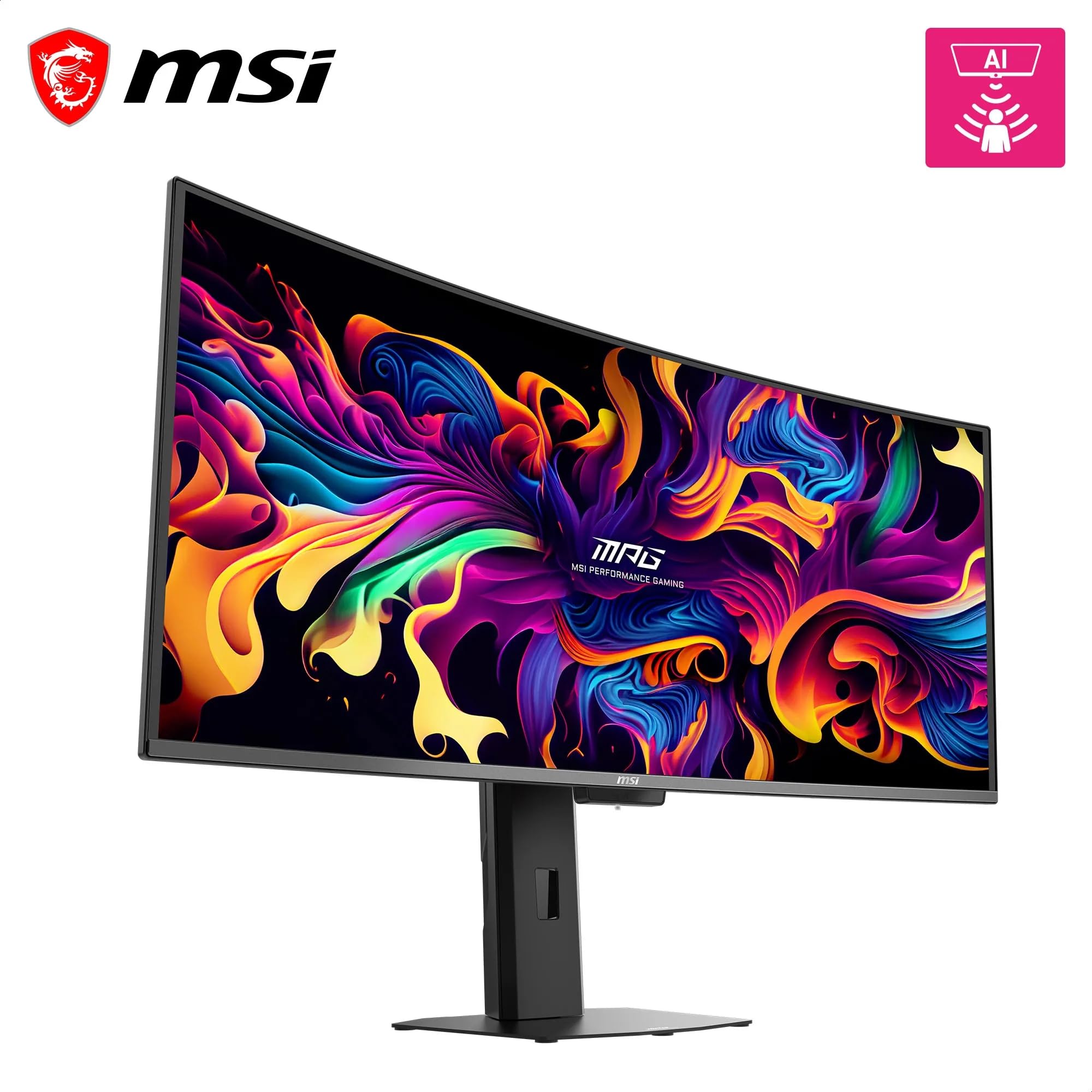
OLED care gets serious attention. The monitor has a large set of OLED Care controls, plus presence detection that dims or turns off the screen when you step away. It works, but it can take 10 to 20 seconds to detect your return, which is irritating when you sit down and want to work immediately. I found myself nudging the mouse and waiting more than I would like. The upside is that it protects the panel without you having to think about it.
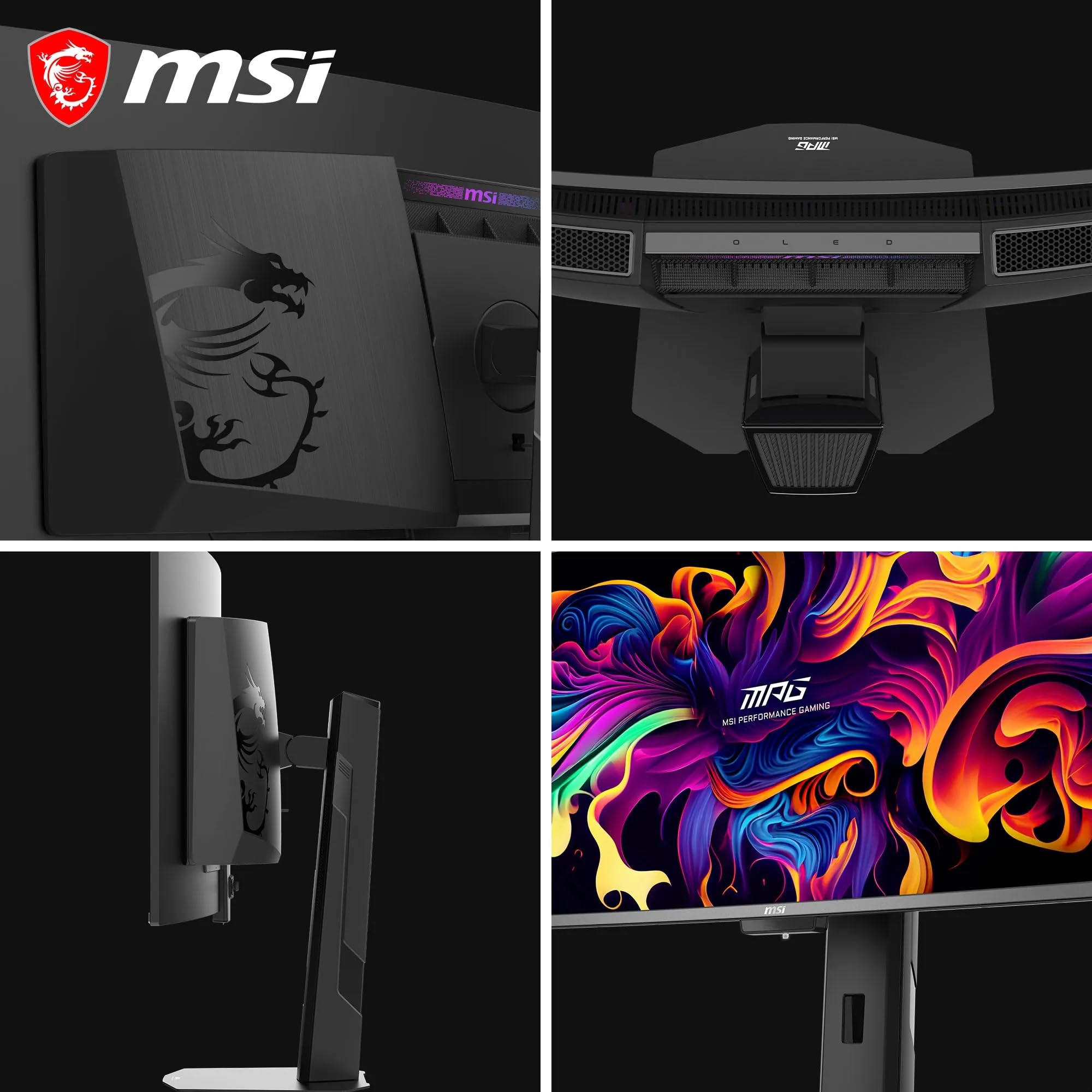
On the physical side, the body is matte black with simple branding, including a glossy MSI Dragon logo on the rear and a small, dim RGB-lit MSI logo. The stand base is small and flat and generally stable, though there is "just a hair more wobble than I'd prefer" at maximum height. It adjusts for height, tilt and swivel, and the 100x100mm VESA mount lets you swap in an arm if you want a cleaner desk. The power board is internal, so there is no external brick to hide, which I appreciate. The MSI looks good at mid-range prices but does not quite feel truly premium.
Color Accuracy and Calibration
Color is the quiet star of this review. In our measurements, the monitor covers 100% of sRGB, 98% of DCI-P3 and 94% of AdobeRGB. That is an excellent gamut, and it means games, movies and photos all look rich without being oversaturated. Average color error was well under 1.0, and the values stayed low across the board rather than mixing highs and lows. In other words, the panel is consistently accurate, not just good on average.
Out of the box, the monitor ships with gamma at 2.2 and a color temperature of about 6400K. Our own targets are 2.2 and 6500K, so the factory defaults are very close, and you can nudge either value through the precise gamma and color temperature modes. For most people, no calibration is needed to get a convincing picture. That also makes the monitor a good fit for creative work. Photo editors and video creators who want accurate colors in a wide gamut will find it more than capable, and the glossy finish helps colors look vivid.
A caution for professionals: the 110 PPI sharpness is a limit for tasks that rely on fine detail, and 300-nit SDR may feel dim for color-critical work in a bright room. For general creative use and hobbyist editing, though, the accuracy is a genuine strength. It is rare to find a gaming-first panel that is also this well-behaved with color.
Value for Money
At $2542.03, the MSI MAG 341CQR QD-OLED X36 is somewhat expensive in absolute terms, but it is rather competitive considering the features offered. You get 360Hz on every port, 98W USB-C with a KVM, strong HDR and a Samsung fifth-generation QD-OLED panel. The LG Ultragear Evo 39GX950B-B costs about twice as much. That is the heart of the value argument: you give up some luxury polish, pixel density and large-window HDR brightness, and in return you keep the features that matter day to day.
Who Should (and Shouldn't) Buy This
Buy it if you are a competitive or high-refresh gamer who wants OLED motion, because 360Hz on every input and superb motion clarity are the main attractions. Buy it if you split time between gaming and creative work, since the gamut and color accuracy hold up well. Buy it if you use a laptop, because 98W USB-C and the built-in KVM turn one cable into a full docking setup.
Skip it if you want high-PPI text sharpness, since about 110 PPI will look soft next to a 4K panel. Skip it if you need a bright SDR office setup, if you want built-in speakers, or if you leave static interfaces on screen for hours and worry about burn-in, because OLED always asks for some care.
Bottom Line
The MSI MAG 341CQR QD-OLED X36 is a strong, comparatively well-priced 360Hz QD-OLED ultrawide. It is not quite perfect, but it delivers great image quality and plenty of features. Accept the 110 PPI sharpness and 300-nit SDR ceiling, and it is an easy recommendation for both work and play.
I have tested a lot of ultrawides, and this is the one I would actually keep on my own desk. It proves that you do not need the most expensive badge to get an elite motion and color experience, as long as you are honest about the few places it trims.
-- Theo Chan, Hardware Testing Director
*Disclosure: As an Amazon Associate, Revuzia earns from qualifying purchases. Prices and availability are accurate as of publication and may change.*