Best Smart Home Lighting: Wyze, Linkind, Tapo and Kasa Compared
November 10, 2026
Smart lighting looks simple until you shop for it. A single bulb can run on Wi-Fi, Bluetooth, or Matter, it may list 800 or 1100 lumens, and its warmest white can sit anywhere from 1800K to 2,500K.
Smart lighting looks simple until you shop for it. A single bulb can run on Wi-Fi, Bluetooth, or Matter, it may list 800 or 1100 lumens, and its warmest white can sit anywhere from 1800K to 2,500K. The four products in this guide span that range, from a 1100-lumen Wi-Fi color bulb to a Matter bulb that works with Apple Home. One of them is a light strip, so the choice goes beyond which bulb is best.
This guide is for anyone adding color lighting to a home without buying a hub. We compare the Wyze Color Smart Bulb 1100 Lumens, Linkind A19 Matter Smart LED Bulb, Tapo L531E Multicolor Smart Bulb, and TP-Link Kasa Smart LED Light Strip KL400L5. We rank each on brightness, white range, ecosystem support, and price, we treat the strip as its own category, and we say plainly who should skip each product.
Why You Can Trust This Guide
Revuzia evaluates every smart home product against the same checklist. For lighting, that means brightness in lumens, the range of white color temperatures, how many colors the product produces, how it connects, what the app can automate, and what it draws in power. We take no paid placement, and every pick below is a judgment about which product fits which buyer, not a ranking bought by a brand.
Our data comes from three layers. First, we cross-reference published hands-on reviews. Second, we check manufacturer spec sheets for the numbers a reviewer cannot verify, such as rated lumens, wattage, and rated lifespan. Third, we apply our own editorial analysis to decide which trade-offs matter. When a manufacturer's claim and a reviewer's experience differ, we report both rather than choosing the more flattering one.
We also want to be upfront about limits.
Our Top Picks at a Glance
Best Overall: Wyze Color Smart Bulb 1100 Lumens
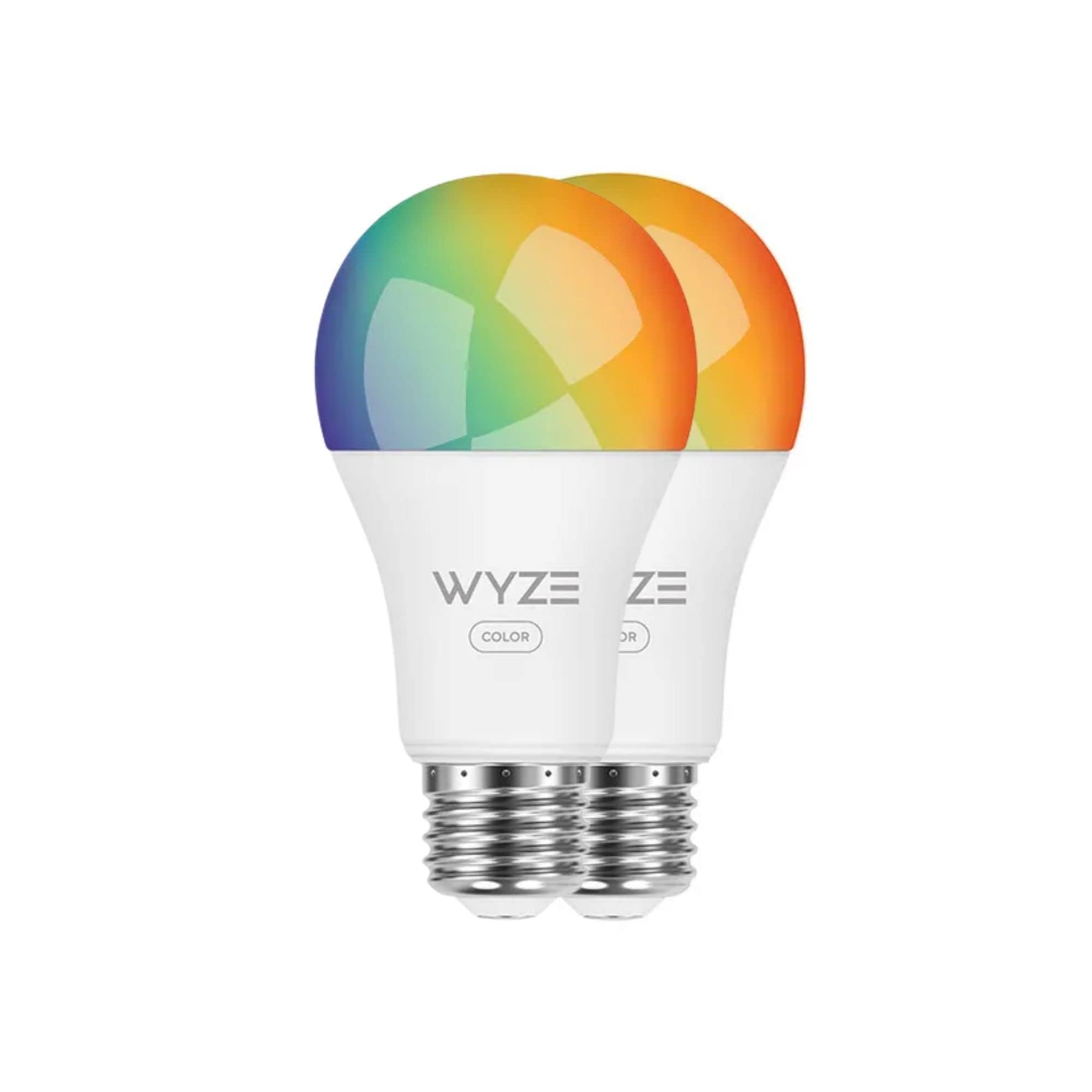
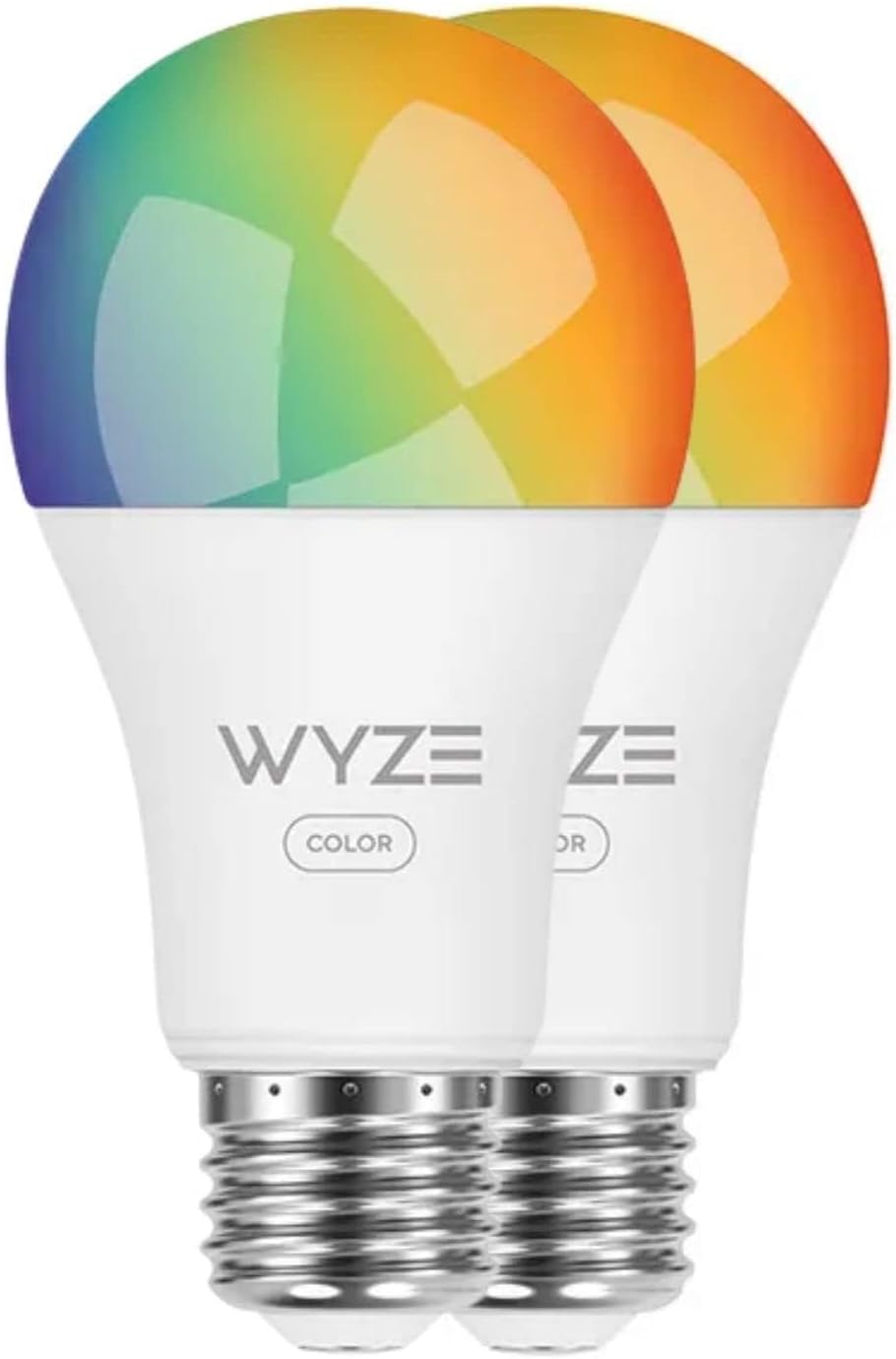
The Wyze Color Smart Bulb is our top pick because it is the brightest bulb in the group at 1100 lumens (75W equivalent) and offers the widest white range, 1800K to 6500K, alongside 16 million colors. The Linkind and Tapo both top out at 800 lumens, so the Wyze is the one to buy for larger rooms or ceiling fixtures where a dimmer bulb disappoints.
Wyze lists an A19 shape with an E26 base, rated for 25,000 hours. It connects over 2.4GHz Wi-Fi and Bluetooth, needs no hub, and works with Alexa and Google Assistant. Setup means screwing it in and adding it in the Wyze app, which offers schedules, saved scenes, and Sleep Routines that fade the light like a sunrise or sunset.
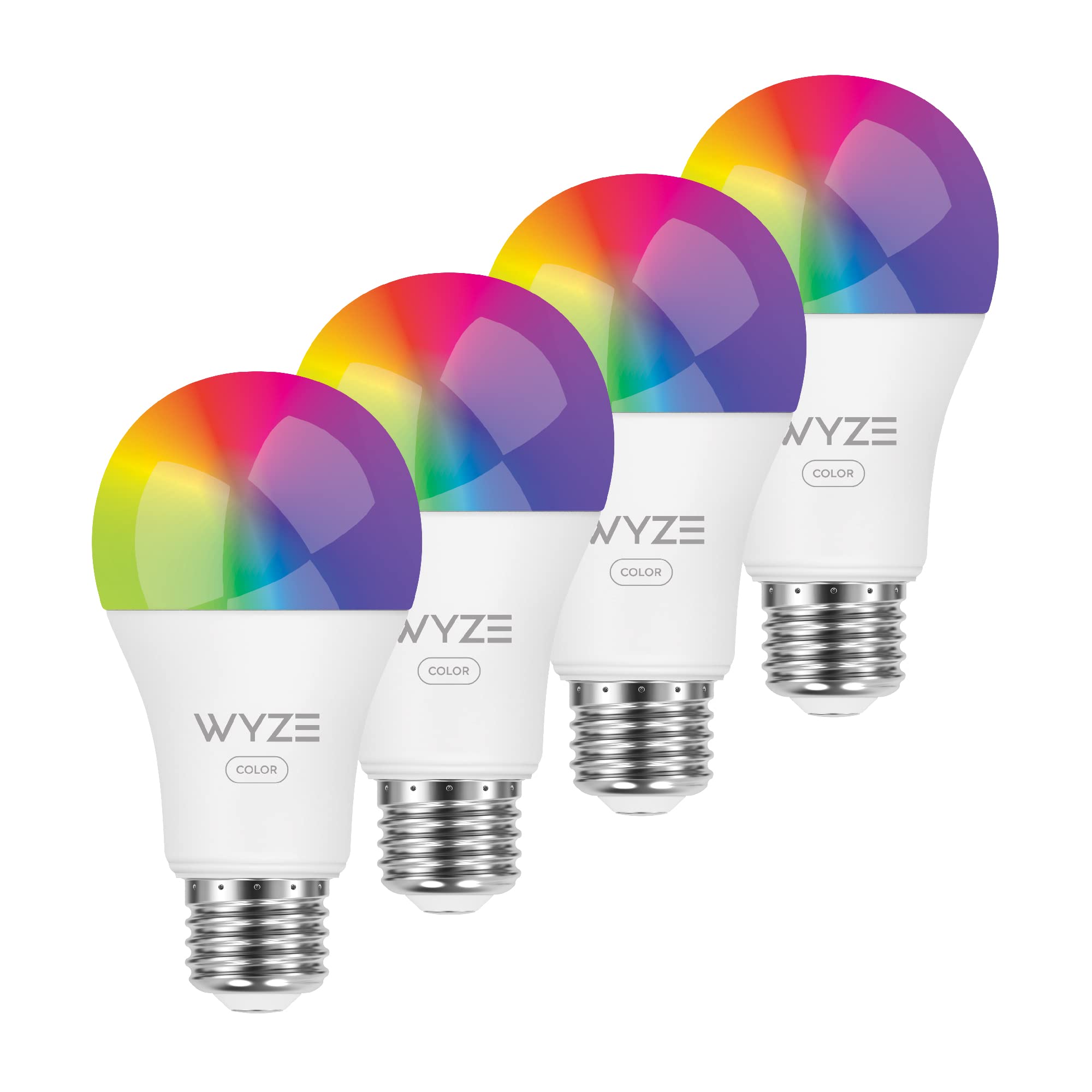
In hands-on use, the reviewer found color saturation excellent for almost every hue, including greens, purples, and teals, with changes that were nearly instant and connectivity that held up well. Above roughly 80% brightness, saturation starts to wane, and only red and blue stay vibrant, so run it a little below full power when color matters. That is a hands-on impression, not a lab measurement.
This is the right bulb if you already own Wyze cameras, motion sensors, or contact sensors, because those devices can trigger the light. Power Loss Recovery lets you choose whether the bulb returns to on or to its last state after an outage, a feature the reviewer said only Philips Hue otherwise offers.
Pros
- 1100 lumens, versus 800 lumens for the Linkind and Tapo
- 1800K to 6500K whites, with a very warm low end
- Power Loss Recovery with your choice of on or last state
- Triggers from Wyze sensors, cameras, and contact sensors
Cons
- Colors wash out above about 80% brightness
- No special-effect options in the app
Best Budget: Linkind A19 Matter Smart LED Bulb
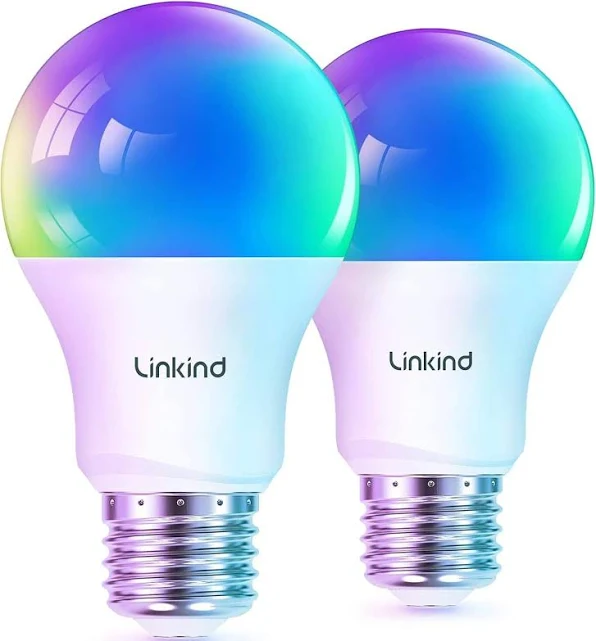
The Linkind A19 is the cheapest way here to get a color bulb with Matter support. Matter is the cross-brand smart home standard, and here it lets the bulb join Apple Home without a proprietary hub.
The bulb is an A19 with an Edison-style globe and a large white heat sink, rated at 800 lumens (60W equivalent) at a 9W maximum draw. It uses RGBTW LEDs for whites from 1800K to 6500K and runs Matter over 2.4GHz Wi-Fi, so it will not join a 5GHz-only network. The companion app is AiDot.
The reviewer found the light quality fine, the bulb quick to respond, and the dimming smooth. It onboarded to iOS Home with a QR scan from the manual or the bulb, and the only hiccup was a missing iOS Bluetooth permission. The app adds a color wheel, dozens of dynamic presets, a DIY mode, a Music mode that uses your phone's microphone, and automations such as a weather-triggered color change, geofencing, and gradual dim or brighten. It also reports energy use in kWh by day and by week.
Buy this if you use iPhone and Apple Home, or if you want to fill several lamps cheaply. The app layout is quirky, with white settings sitting under "Color," and it sends a barrage of account emails. Using Matter directly also costs you some AiDot-only features, and the reviewer noted the brand is not well known.
Pros
- Matter support with a simple QR-code setup in iOS Home
- Energy monitoring in kWh by day and week
- Whites down to 1800K
- Effects, presets, Music mode, and weather-based automations
Cons
- 800 lumens, less than the Wyze
- Quirky app layout and frequent account emails
- Some features are lost when you use Matter directly
Best Low-Power Bulb: Tapo L531E Multicolor Smart Bulb
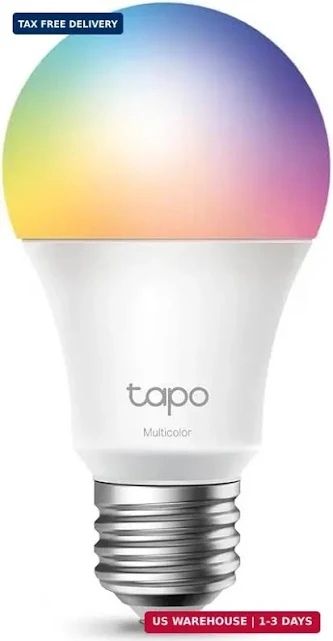
It is rated for up to 800 lumens (60W equivalent) at just 8.3W, compared with 9W for the Linkind at the same rated output, which is the lowest listed draw in the group.
TP-Link rates the color temperature range at 2,500K to 6,500K, with 16 million colors, and the dimming range at 1% to 100%, the only published dimming floor among these products. The base is E26, and the bulb connects over 2.4GHz Wi-Fi with no hub. It works with Alexa and Google Assistant. TP-Link rates the life at up to 22.8 years at three hours a day, roughly 25,000 hours.
The automation set looks strong on paper. TP-Link lists Away Mode, schedules and timers, sunrise and sunset modes, saved presets, and restore-last-state after a power outage. It restores its last state but does not offer the on-or-last choice the Wyze does. Google Shopping shows 4.5/5 from 88 reviews, but that tells us little about how the bulb actually performs.
Its warmest white stops at 2,500K, so it cannot match the 1800K glow of the Wyze or Linkind.
Pros
- 8.3W for 800 lumens, the lowest listed draw in the group
- Dims down to 1%
- Away Mode, schedules, and sunrise/sunset modes
- Hubless, with Alexa and Google Assistant support
Cons
- Warmest white is 2,500K, versus 1800K on the Wyze and Linkind
Best Light Strip: TP-Link Kasa Smart LED Light Strip KL400L5
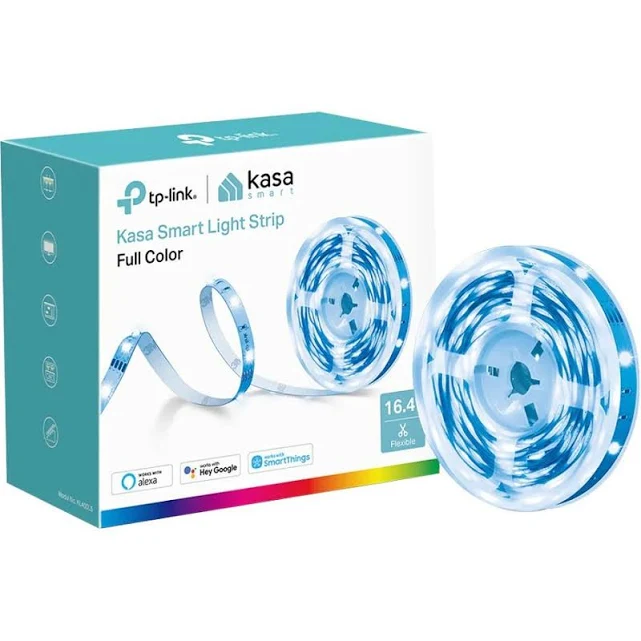
The Kasa KL400L5 is not a bulb, so we judge it separately. It is the right pick for accent lighting under cabinets, behind a TV, along a staircase, or on a countertop. The reviewer paid about $25 for it in 2022, and one retailer lists it at $21.99.
The strip makes 16 million colors, but only one color at a time; TP-Link's pricier KL420 has 50 color zones. It is about 1.6mm thick and cuts at marked points roughly 4 inches apart. A 43-inch controller cord with a one-button controller sits between the strip and a roughly 5-foot power cord with a right-angle adapter. It runs on 2.4GHz Wi-Fi with no hub, works with Alexa, Google Assistant, and Samsung SmartThings, and is indoor only.
The app is its strength. It offers 14 animated effects such as Aurora and Raindrop, with custom versions possible, plus five presets, schedules including sunrise and sunset, smart scenes, and triggers from other Kasa devices. A usage tab tracks energy in kWh by day, week, or month, and the strip can be grouped with other Kasa lights. Wi-Fi pairing worked on the first try for the reviewer, though you must join the strip's own network first.
Treat it as an accent light, not a room light: the reviewer called it not bright enough for a whole room but fine for a counter, a staircase, or backlighting. It is also delicate, with no protective coating, and the reviewer's connector came loose during installation, leaving the LEDs dark. Cut pieces cannot be reused, and the strip cannot be extended.
Pros
- About $22 to $25, the lowest single-unit price in the group
- 14 animated effects plus presets, scenes, and grouping
- Works with Alexa, Google Assistant, and SmartThings
- Energy tracking in kWh
Cons
- One color at a time only
- Uncoated, indoor-only, and flimsy at the connector
- No music sync, and cut sections cannot be reused
How We Chose
We started with the questions most buyers actually face. Is the light bright enough for the room? Does it support the voice assistant or smart home platform already in the house? Does the white range reach a warm evening tone? How much does it cost per fixture, and what does it add to your power bill?
For each product, we weighed the manufacturer's stated specs against hands-on findings from reviewers who used the products at home. We gave the most weight to brightness, white range, connectivity, and app depth, since those decide the daily experience. Price and power draw came next, followed by extras like energy tracking, Away Mode, and outage behavior.
We kept the field small on purpose. Each product had to work without a hub, support at least one major voice assistant, and offer real automation beyond an on/off switch. We also did not rank the strip against the bulbs on brightness. A strip meant to add accent light is a different tool from a bulb that has to light a room, so we gave it its own category and judged it on its own terms.
What We Could Not Verify
The Wyze and Kasa reviews are several years old, and the Wyze's launch-era prices are out of date, so we used a current two-pack price instead.
What to Look For
Brightness in lumens. A 60W-equivalent bulb makes about 800 lumens, and a 75W-equivalent makes about 1100. For lamps and bedrooms, 800 is plenty. For ceiling fixtures and larger rooms, the extra output of the Wyze helps.
White temperature range. Color bulbs are also white bulbs, and you will likely use them as white lights most of the time. A warm end of 1800K gives a candle-like glow, while a warm end of 2,500K is a little less warm. A cool end near 6500K suits kitchens and home offices.
Ecosystem and connectivity. Check whether the product uses Matter, Wi-Fi, or Bluetooth. Matter, as on the Linkind, simplifies Apple Home setup. The Wyze and Tapo still work with Alexa and Google Assistant, and none of these four needs a hub. All of them use 2.4GHz Wi-Fi, so confirm your router offers that band.
App automations. Schedules, sunrise and sunset modes, and geofencing turn a bulb from a gadget into something useful. Look at outage behavior as well. The Wyze lets you pick on or last state after power returns, while the Tapo restores its last state without a choice.
Power draw and energy tracking. LED bulbs are efficient, but the rated difference between 8.3W and 9W adds up across many bulbs. In-app kWh tracking, as on the Linkind and Kasa, shows what each light uses.
Form factor. A bulb replaces a fixture's light, while a strip adds new light. Decide which job you have before you compare specs.
Bottom Line
If you are lighting a large room or a ceiling fixture, pick the Wyze Color Smart Bulb: its 1100 lumens is a 300-lumen step up from the Linkind and Tapo. If you are an iPhone household filling several lamps, pick the Linkind A19 Matter, because its QR-code Matter setup brought it into iOS Home with no trouble and a four-pack runs under $5 a bulb. For accent lighting behind a TV or under a counter, pick the Kasa KL400L5, and accept one color at a time and indoor-only use.
Smart lighting now lets you choose by details like warm-white range, Matter support, and outage behavior rather than by whether it works at all. Pick based on the room you are lighting, not the longest spec list.
-- Miles Danner, Consumer Electronics Editor
*Disclosure: As an Amazon Associate, Revuzia earns from qualifying purchases. Prices and availability are accurate as of publication and may change.*