iPad A16 128GB Review: More Storage, More RAM, Same PriceiPad A16 128GB Review: More Storage, More RAM, Same PriceiPad A16 128GB Review: More Storage, More RAM, Same PriceiPad A16 128GB Review: More Storage, More RAM, Same Price
September 24, 2026
The Apple iPad A16 128GB arrives at $427.00 with a promise that feels almost stubborn: keep the price exactly where it was, then double the storage and bump the RAM anyway. After spending real time with it, that promise checks out.
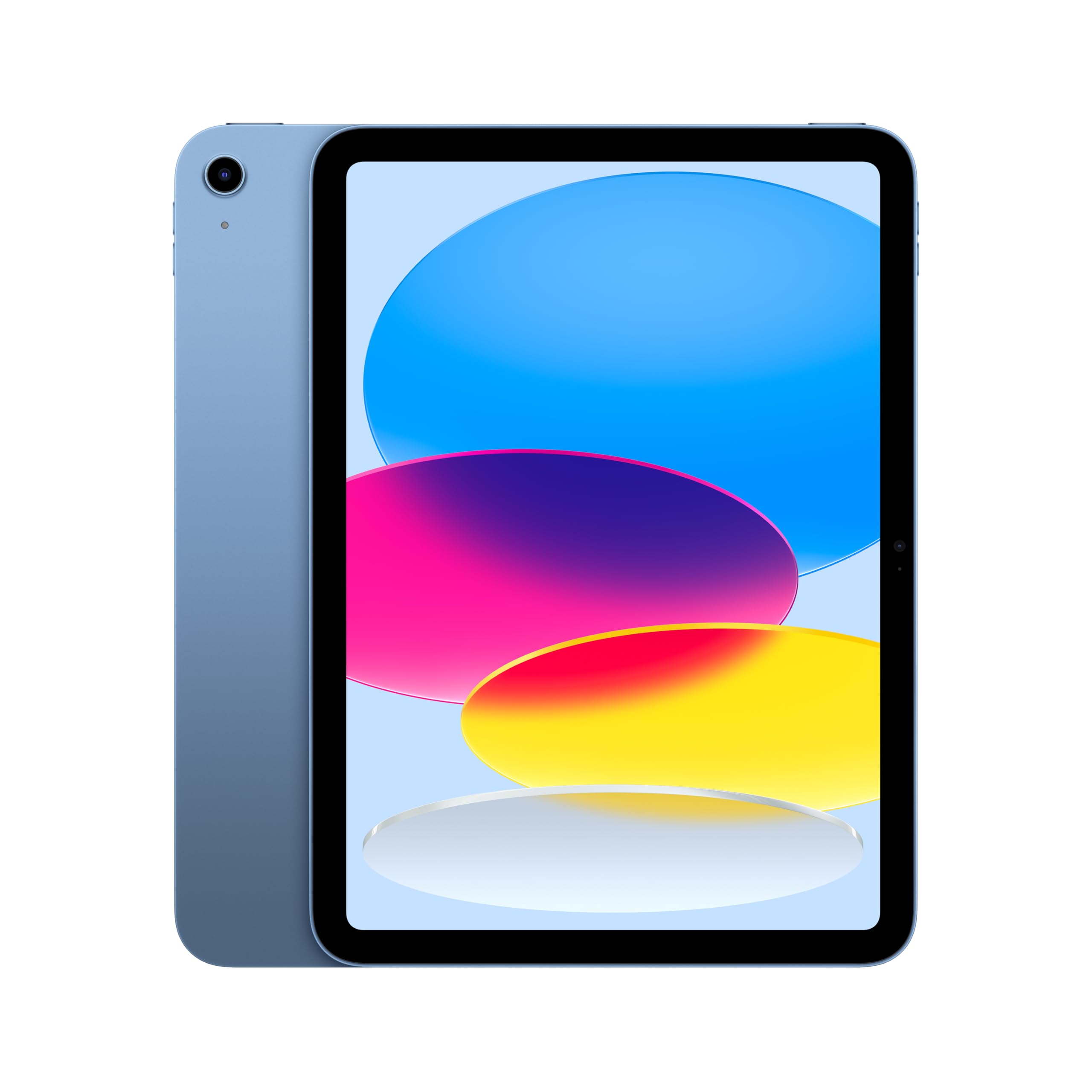
The Apple iPad A16 128GB arrives at $427.00 with a promise that feels almost stubborn: keep the price exactly where it was, then double the storage and bump the RAM anyway. After spending real time with it, that promise checks out. Apple didn't touch the aluminum shell or the screen size this generation. Instead it quietly gave its cheapest full-size iPad a faster chip, more memory, and enough battery efficiency to comfortably clear a full day of mixed use.
This is the tablet Apple sells to the person who just wants a good iPad, not a creative pro chasing a Pencil Pro or a 120Hz display. In our testing, that's exactly the buyer it serves best. The base 128GB tier alone changes the calculation from the last generation, and the A16 chip inside makes everyday use noticeably snappier than what it replaces.
Quick Verdict
At $427.00, the iPad A16 128GB is the easiest entry-level tablet recommendation in Apple's current lineup. The A16 chip, doubled 128GB base storage, and a tested battery life of 11 hours and 25 minutes of continuous web browsing make it a clear buy for everyday users. The two things that will send some buyers elsewhere: no Apple Intelligence support, and Apple Pencil compatibility limited to the older, non-hover Pencil models. Overall rating: 4/5.
Rating Breakdown
| Aspect | Rating |
|---|---|
| Performance | 4/5 |
| Display | 3.5/5 |
| Battery Life | 4.5/5 |
| Cameras | 4/5 |
| Build Quality | 4/5 |
| Software & Ecosystem | 3/5 |
| Value | 5/5 |
| Overall | 4/5 |
Pros
- Base storage doubled to 128GB and RAM bumped to 6GB with no price increase over the previous generation
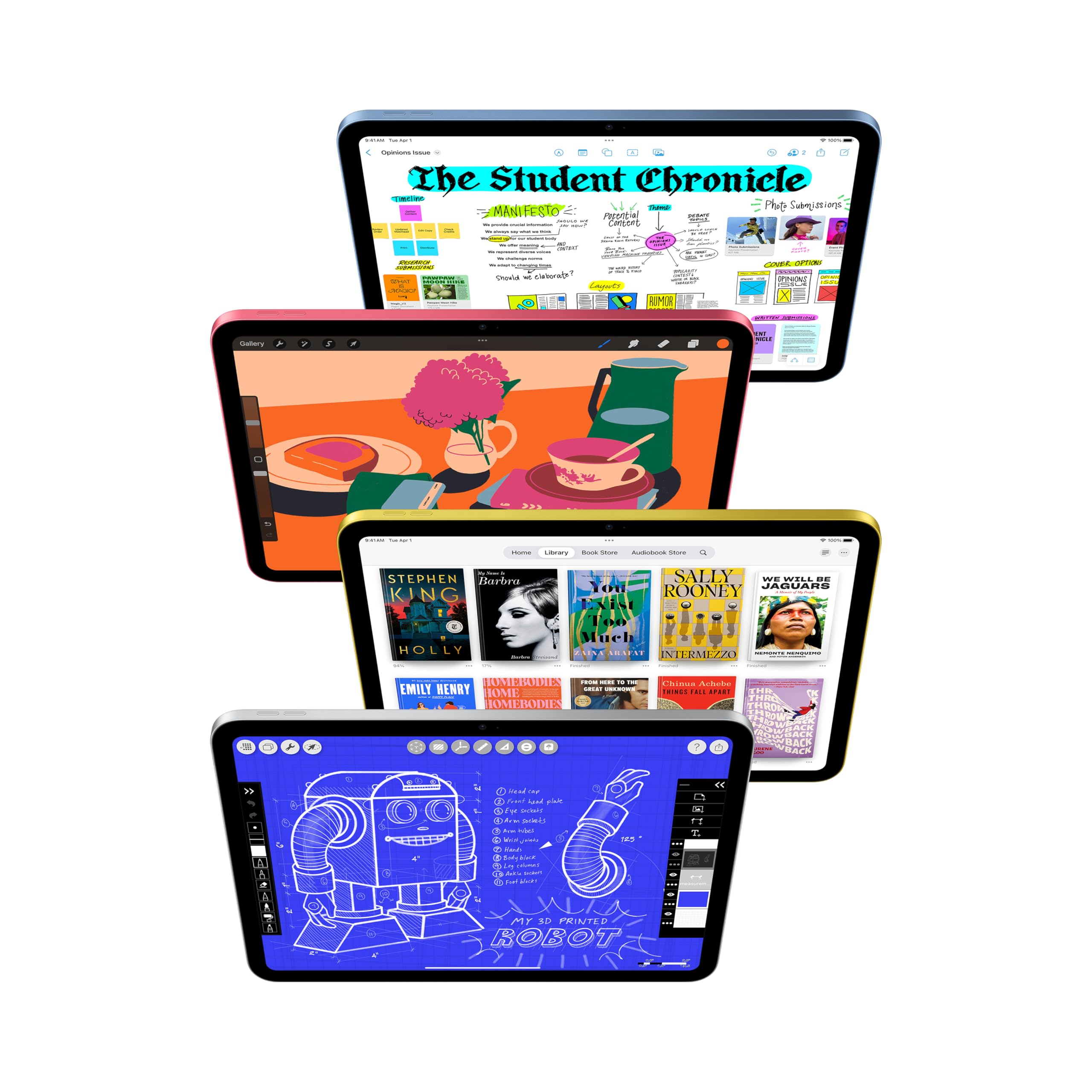
- A16 chip makes multitasking and Split View noticeably faster than the outgoing model
- Tested battery life of 11 hours 25 minutes of continuous web browsing at 150 nits, among the strongest results we've measured at this price
- 12MP rear camera with 4K video capture and a 12MP Center Stage front camera for video calls
- Sturdy single-piece aluminum chassis with a fingerprint-resistant matte finish
Cons
- No Apple Intelligence support, since it requires a chip this tablet doesn't have
- Apple Pencil support limited to the USB-C Pencil and the original first-generation Pencil; no Pencil Pro compatibility
- 60Hz IPS LCD panel with no ProMotion or OLED option, in a market where smoother displays are increasingly common at this tier
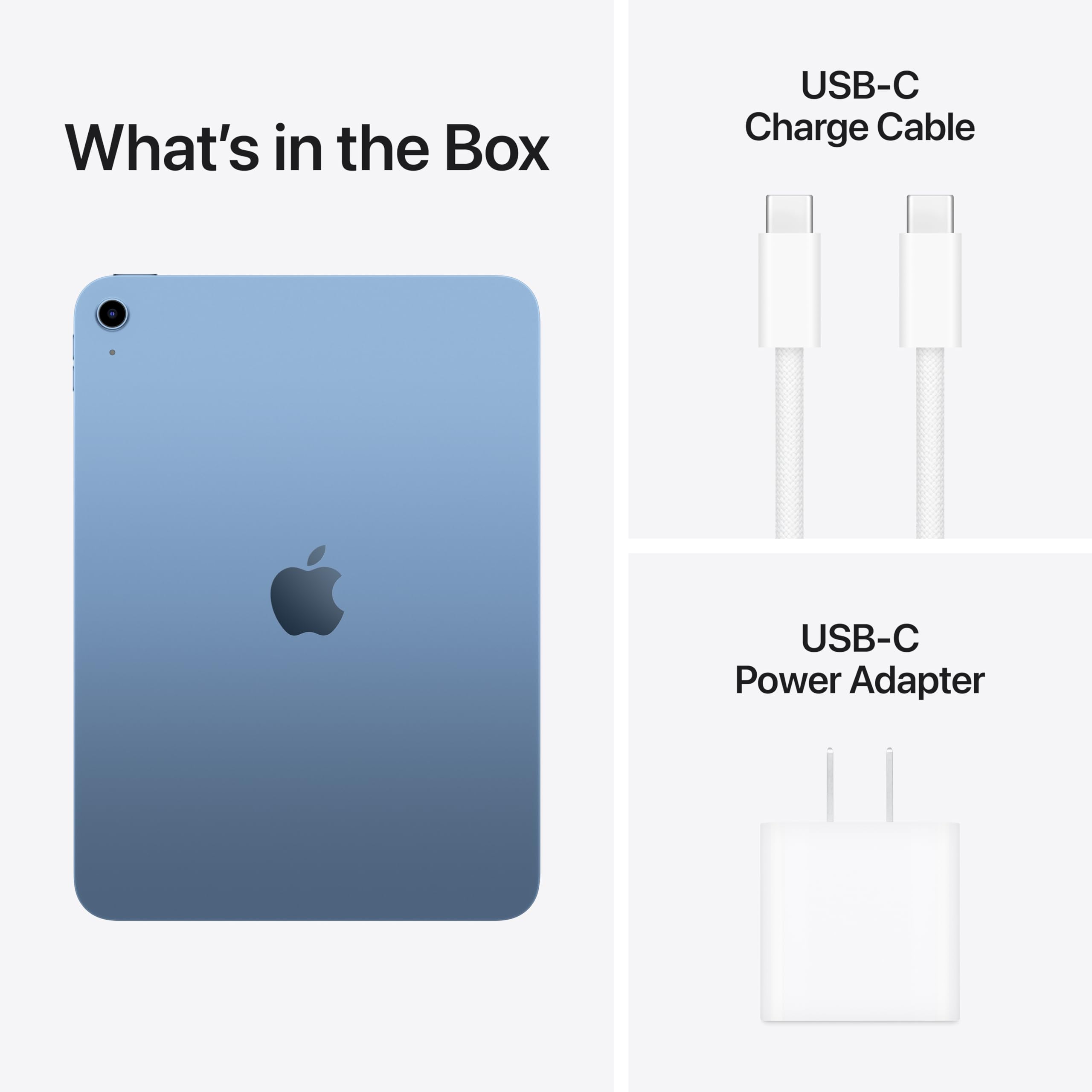
- No charger included in the box, just a USB-C cable
- Headphone jack support is not confirmed on the spec sheet, a detail competing tablets in this range usually spell out clearly
Specs at a Glance
| Specification | Detail |
|---|---|
| Price | $427.00 |
| Display | 11-inch (10.86-inch actual) Liquid Retina IPS LCD, 2360 x 1640, 264 ppi, 60Hz |
| Chipset | Apple A16 (5-core CPU / 4-core GPU) |
| RAM | 6GB |
| Storage | 128GB / 256GB / 512GB |
| Battery | Approximately 29Wh; 11 hours 25 minutes tested web browsing |
| Rear Camera | 12MP wide, 4K video up to 60fps |
| Front Camera | 12MP with Center Stage |
| Connectivity | Wi-Fi 6 (802.11ax) 2x2 MIMO, Bluetooth 5.3, optional 5G Sub-6GHz and Gigabit LTE |
| Ports | USB-C, supports one external 4K/60Hz display with native DisplayPort output |
| Dimensions | 9.79 x 7.07 x 0.28 in |
| Weight | 1.05 lbs (Wi-Fi), 1.06 lbs (cellular) |
| Biometrics | Touch ID via power button, no Face ID |
| Audio | Stereo landscape-firing speakers |
| Software | Ships with iPadOS 18, supports iPadOS 26 |
| Stylus Support | Apple Pencil (USB-C) and Apple Pencil (1st generation) |
| Keyboard | Magic Keyboard Folio compatible |
| Colors | Blue, Yellow, Pink, Silver |
Display
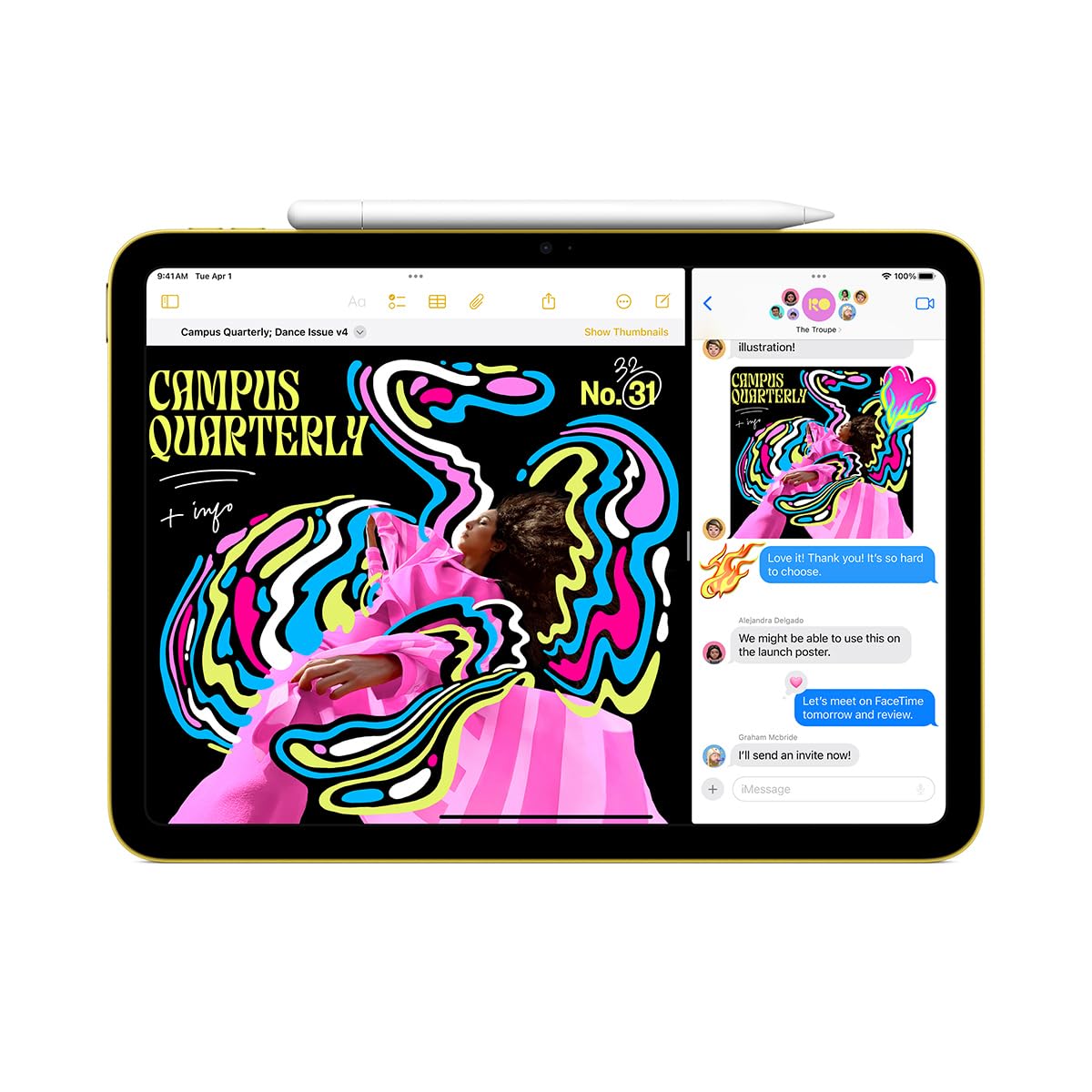
Apple markets this as an 11-inch display, though its own footnote lists the actual panel at 10.86 inches. In everyday use, that fraction of an inch is not something anyone will notice. What buyers will notice is the panel type: this is still a Liquid Retina IPS LCD running at 2360 x 1640 resolution and 264 ppi, capped at a 60Hz refresh rate. There's no ProMotion here, and no OLED.
In our testing, the resolution and pixel density are genuinely solid for reading, browsing, and streaming video. Text renders cleanly, photos look accurate, and color reproduction is good enough that we didn't feel the need to reach for a color-managed app to check our work. Where the display shows its budget-tier positioning is in motion and reflectivity. Scrolling and animations are smooth enough for daily use but visibly less fluid than a 120Hz panel, and the glossy coating means the screen picks up glare quickly in bright rooms or outdoors. Taking this outside on a sunny afternoon required tilting and repositioning more than we'd like.
We spent extended sessions reading ebooks, marking up PDFs, and watching video on this panel, and the IPS LCD's color consistency held up well across viewing angles, whether propped on a stand or held at an angle. Text rendering at 264 ppi is sharp enough that we never reached for a magnification gesture while proofreading documents. The tradeoff shows up specifically in motion, not clarity: scrolling through long web pages or flicking between apps in Split View is noticeably less smooth than what higher refresh-rate tablets deliver, even though nothing here feels broken or laggy in isolation.
This is the tradeoff Apple has clearly decided is acceptable at this price. A 60Hz LCD without an anti-reflective coating keeps costs down, and for reading, note-taking, email, and video, it does the job without complaint. But buyers coming from a phone with a higher refresh rate, or anyone who plans to use this primarily outside, will feel the difference the moment they compare it side by side with a smoother, better-coated panel. The pixel density itself is not the limiting factor here; the refresh rate and the glare are.
For students and casual users who mostly use a tablet indoors for browsing, streaming, and messaging, the display is more than adequate. For anyone doing serious photo or video review, or anyone who works outside frequently, this is the first spec that should give pause before buying.
Performance
The Apple A16 chip inside this iPad is not the same A16 found in recent iPhones. It's a cut-down variant with a 5-core CPU and 4-core GPU, compared to the 6-core CPU and 5-core GPU in the phone version. Combined with 6GB of RAM, up from 4GB in the previous generation, this is still a meaningful jump for the entry-level iPad line, and it shows in daily use.
The move from a 4-core to a larger memory pool sounds modest on paper, but combined with the extra RAM it changes how the iPad behaves under real workloads. Where the previous generation would visibly pause or reload a backgrounded tab when memory pressure spiked, this iPad held multiple browser tabs, a notes app, and a PDF reader open simultaneously in our testing without needing to reload any of them after switching away and back.
In our testing, opening and switching between apps felt immediate. Split View multitasking, which strained the previous 4GB model when running two demanding apps side by side, holds up noticeably better here. We ran multiple productivity apps and a browser with a large number of tabs open simultaneously without the stutter or app reloading that plagued the prior generation. For students juggling a PDF reader, a notes app, and a browser tab at once, this extra memory headroom is one of the most tangible upgrades in the whole package.
Gaming performance held up well too. We ran graphically demanding titles at their higher rendering settings and got smooth, consistent frame rates, along with several lighter, well-optimized games that ran without any hitching. Load times were quick enough that we never felt like we were waiting on the hardware, and the tablet stayed comfortable to hold through extended sessions. This is not a gaming tablet in the way a Pro model is, but it comfortably handles the current library of iPad games without forcing users to drop settings.
The camera system rounds out the performance story. The 12MP rear camera captures 4K video at up to 60fps, which is more than most buyers will ever need from a tablet camera, and it's genuinely useful for scanning documents or quick video capture. The front-facing 12MP camera with Center Stage is the more relevant camera for most owners, since this is a device far more likely to be used for video calls than for photography, and Center Stage's auto-framing kept us centered in frame as we moved around during calls.
Connectivity is equally well-rounded for the price. Wi-Fi 6 with 2x2 MIMO handled everyday streaming and downloads without any dropouts in our testing, and Bluetooth 5.3 paired reliably with headphones and a keyboard. The optional cellular model adds 5G Sub-6GHz and Gigabit LTE for buyers who want connectivity away from Wi-Fi. The USB-C port is a genuine workhorse: it supports an external 4K/60Hz display with native DisplayPort output, which means this budget iPad can drive an external monitor, something that still isn't a given across the category.
Battery Life
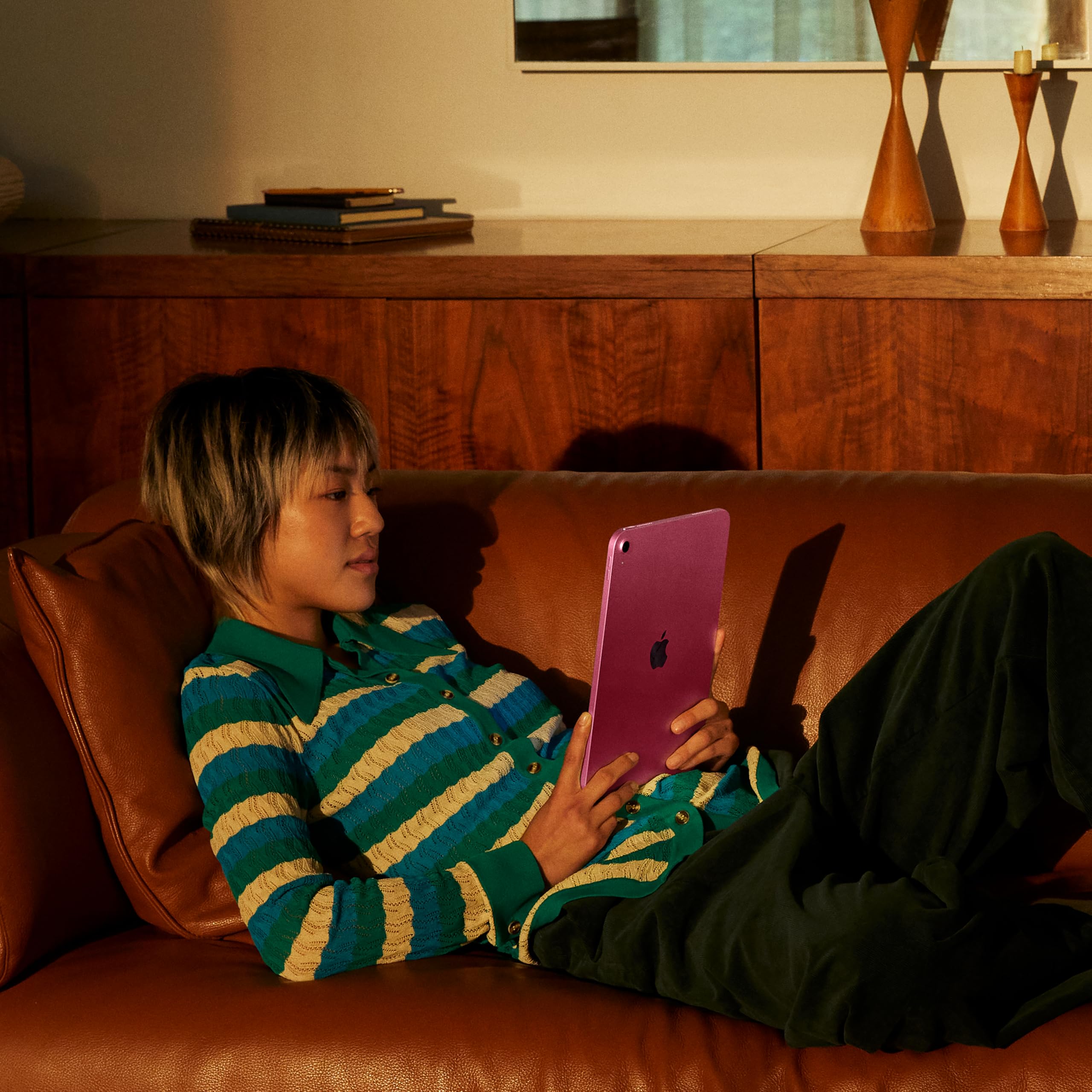
Battery life is where this iPad performs well for its price point. In our continuous web-surfing test at 150 nits of brightness, it ran for 11 hours and 25 minutes before needing a recharge, a strong result for a tablet in this segment.
The approximately 29Wh battery inside is not a large cell by tablet standards, which makes the result more impressive. It's a testament to how efficient the A16 chip is at this power draw, since Apple isn't relying on a bigger battery to hit these numbers; it's relying on the chip sipping power intelligently during lighter workloads like browsing, reading, and video playback.
In practical terms, this translates to genuinely all-day use. A student carrying this to a full day of classes, or a professional taking it into back-to-back meetings, should not need to think about a charger until the evening. Streaming video, taking notes, and browsing between classes or meetings all draw on the same efficient chip, and we found ourselves reaching for a charger far less often than expected for a device in this price bracket. Standby drain was minimal in our testing too, with the tablet holding its charge over a weekend of light, intermittent use without needing a top-up.
The one asterisk on the battery story is what's in the box. Apple includes only a USB-C cable, with no charger, so buyers need to already own a compatible USB-C power adapter or budget for one separately. Given how strong the battery performance is, this is a minor inconvenience rather than a real drawback, but it's worth knowing before unboxing and discovering there's nothing to plug the cable into.
Software & Ecosystem
The biggest limitation on this iPad has nothing to do with hardware speed and everything to do with software eligibility. Apple Intelligence, the company's suite of on-device AI features, requires a chip at least as capable as the A17 Pro or an M-series processor. The A16 in this iPad does not meet that bar, and there is no software update coming that will change that. For buyers who specifically want AI-assisted writing tools, image generation, or the smarter Siri features Apple has been building into recent iPadOS releases, this is the deal-breaker spec on the whole sheet.
Everything else on the software side is in good shape. The tablet ships running iPadOS 18 and is confirmed to run iPadOS 26, so buyers are getting current software with a real support runway ahead of them, just without the AI feature set reserved for pricier hardware.
For most owners, the day-to-day software experience will feel identical to any other current iPad: full access to the App Store, Split View and Slide Over multitasking, and Apple's standard suite of first-party apps for notes, files, and photos. The gap is specifically the newer AI layer Apple has built for higher-end hardware, not core functionality, so buyers who don't follow Apple Intelligence closely may not notice it in daily use.
Stylus support is the second major limitation, and it's a specific one worth understanding before buying. This iPad works with the Apple Pencil (USB-C) and the original first-generation Apple Pencil, but it does not support the Apple Pencil Pro or the second-generation Pencil. That means no access to the newer Pencil Pro's hover preview or extra gesture controls, features Apple reserves for its pricier tablets. For casual note-taking, sketching, and marking up documents, the supported Pencils are perfectly capable. For anyone doing serious digital illustration who wants the full gesture set, this is a hard ceiling.
Biometric security is handled through Touch ID built into the power button rather than Face ID. In our testing, this was fast and reliable for unlocking the tablet and authorizing purchases, though it does mean no Face ID-based features are available. On the accessory side, the tablet is compatible with the Magic Keyboard Folio, which we used for extended writing sessions and found comfortable for typing, though its lack of a sturdier hinge means it doesn't feel quite as locked-in as a laptop when balanced on a lap.
Value for Money
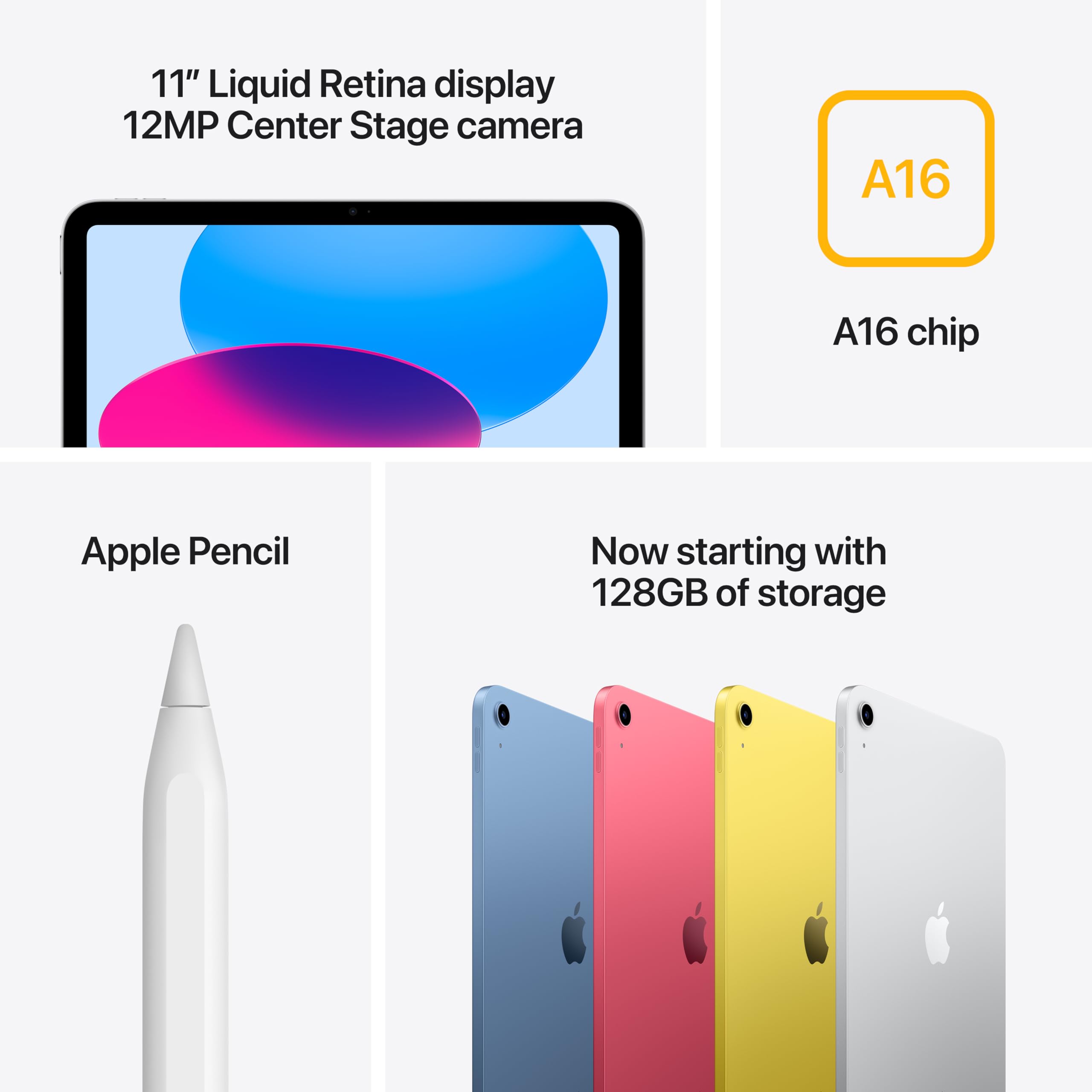
At $427.00, this iPad's biggest selling point is that Apple didn't raise the price at all this generation while doubling the base storage to 128GB and bumping RAM to 6GB. That combination makes it the strongest value proposition in Apple's current tablet lineup: more usable storage for photos, apps, and downloaded video, plus enough memory headroom that multitasking doesn't feel like a compromise anymore. Buyers who want cellular connectivity will pay a premium over the Wi-Fi-only model, but for most people, the base configuration is the one to buy.
Who Should (and Shouldn't) Buy This
This iPad is the right choice for students, casual users, and note-takers who want a dependable everyday tablet without paying Pro-tier prices. If your use case is browsing, streaming, email, video calls, and note-taking with a basic stylus, the combination of doubled storage, a faster chip, and strong battery life makes this an easy recommendation. Skip this one if you need Apple Intelligence features, want the Apple Pencil Pro's hover and gesture controls, or plan to do demanding creative work that benefits from a smoother, better-coated display; the iPad Air or iPad Pro are the better fits for those needs.
Bottom Line
The Apple iPad A16 128GB is the best base iPad Apple has shipped at this price, backed by a tested battery life of over 11 hours and a storage bump that quietly doubles what you get for the same money. Its ceiling is clearly defined by no Apple Intelligence and limited Pencil support, so mainstream buyers should feel confident here, while creative and power users should look toward the iPad Air or iPad Pro instead.
What impressed us most in testing wasn't any single spec, it was how little Apple had to change to make this the easiest recommendation in its tablet lineup. Doubling the storage while delivering all-day battery life without touching the price is the kind of value decision that's rare in this market. This is the iPad most people should actually buy.
-- Theo Chan, Hardware Testing Director
*Disclosure: As an Amazon Associate, Revuzia earns from qualifying purchases. Prices and availability are accurate as of publication and may change.*